

Process
How It Works.
This is the typical workflow for taking a job from creation to completion.
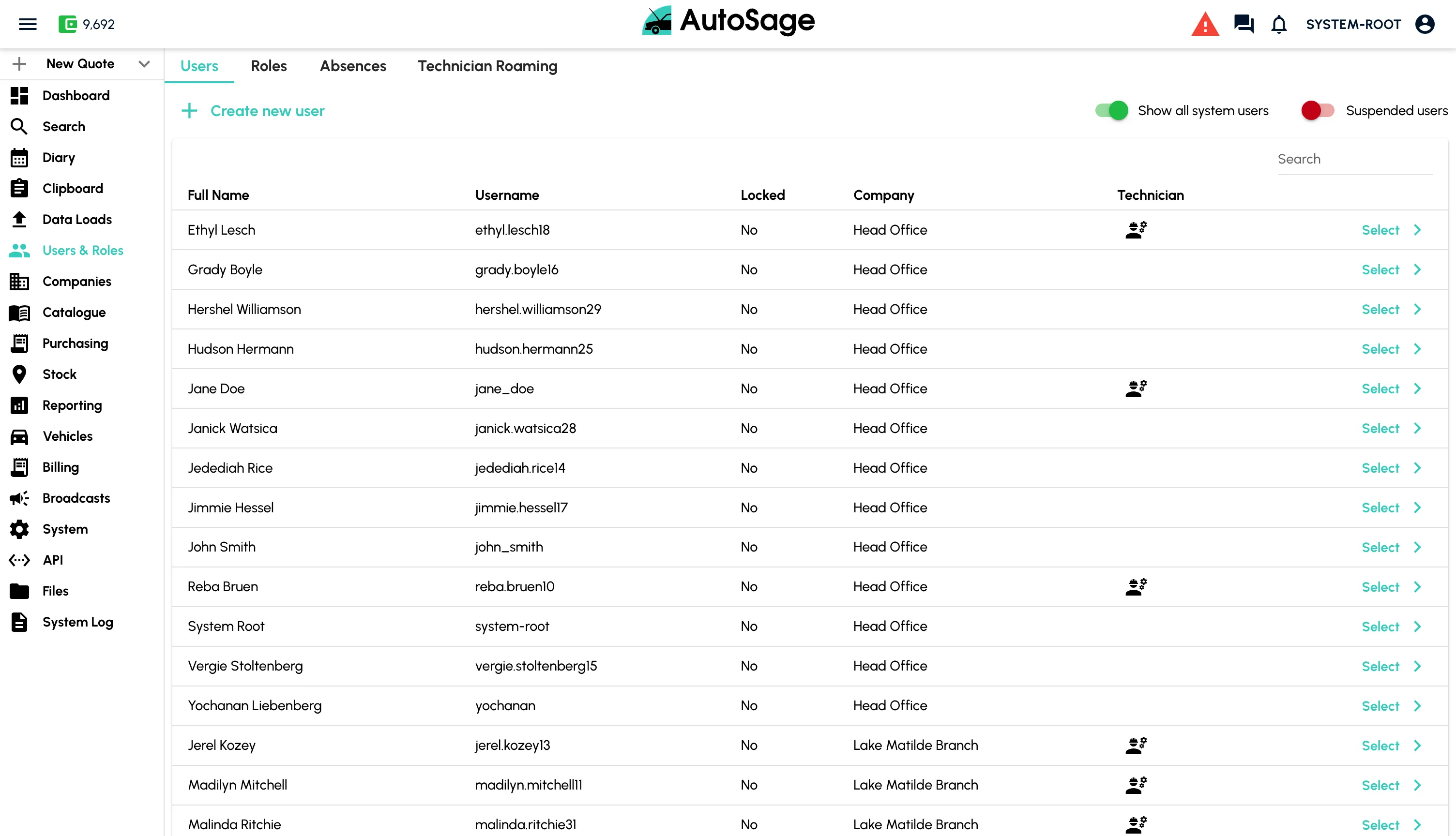
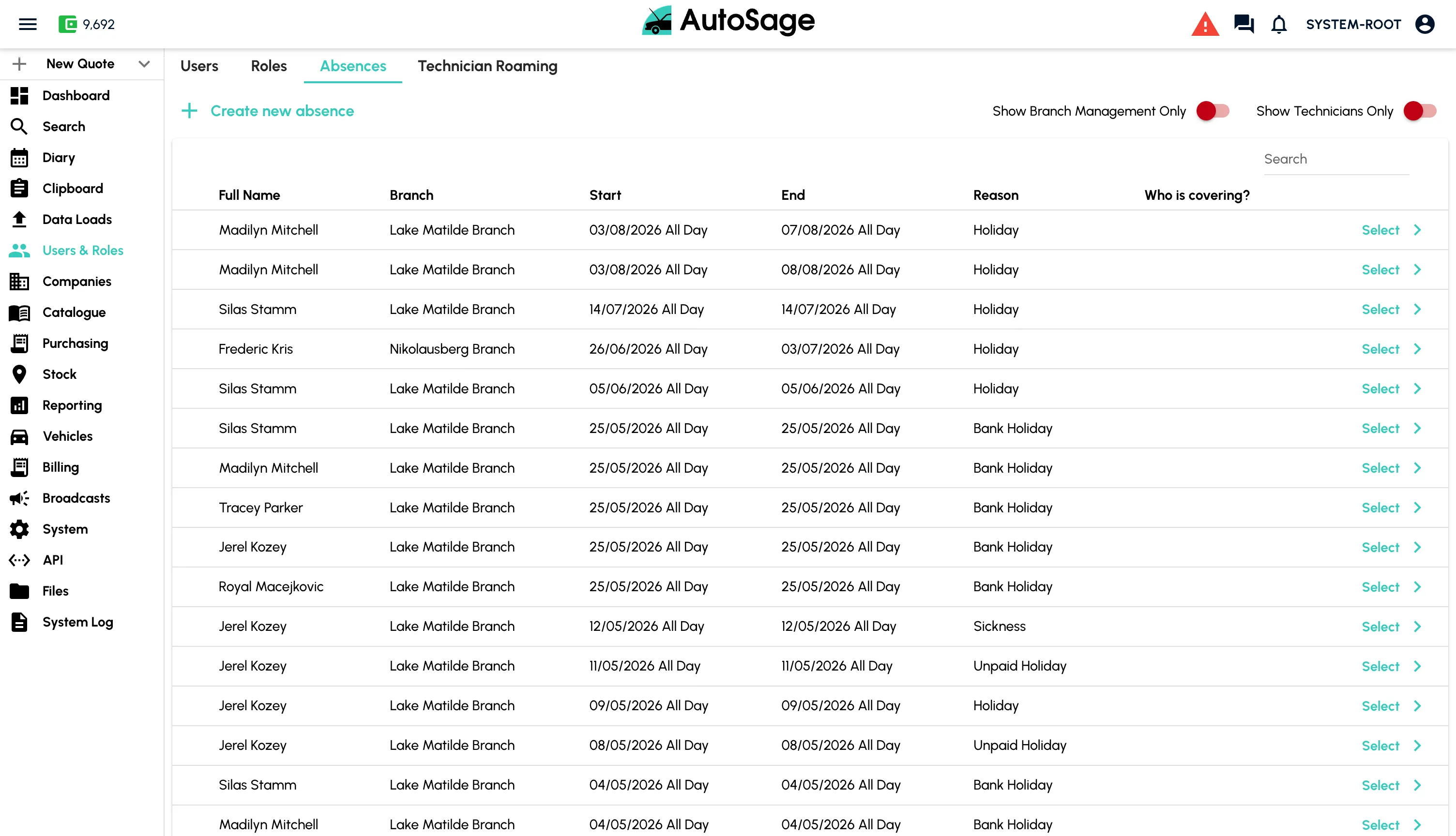
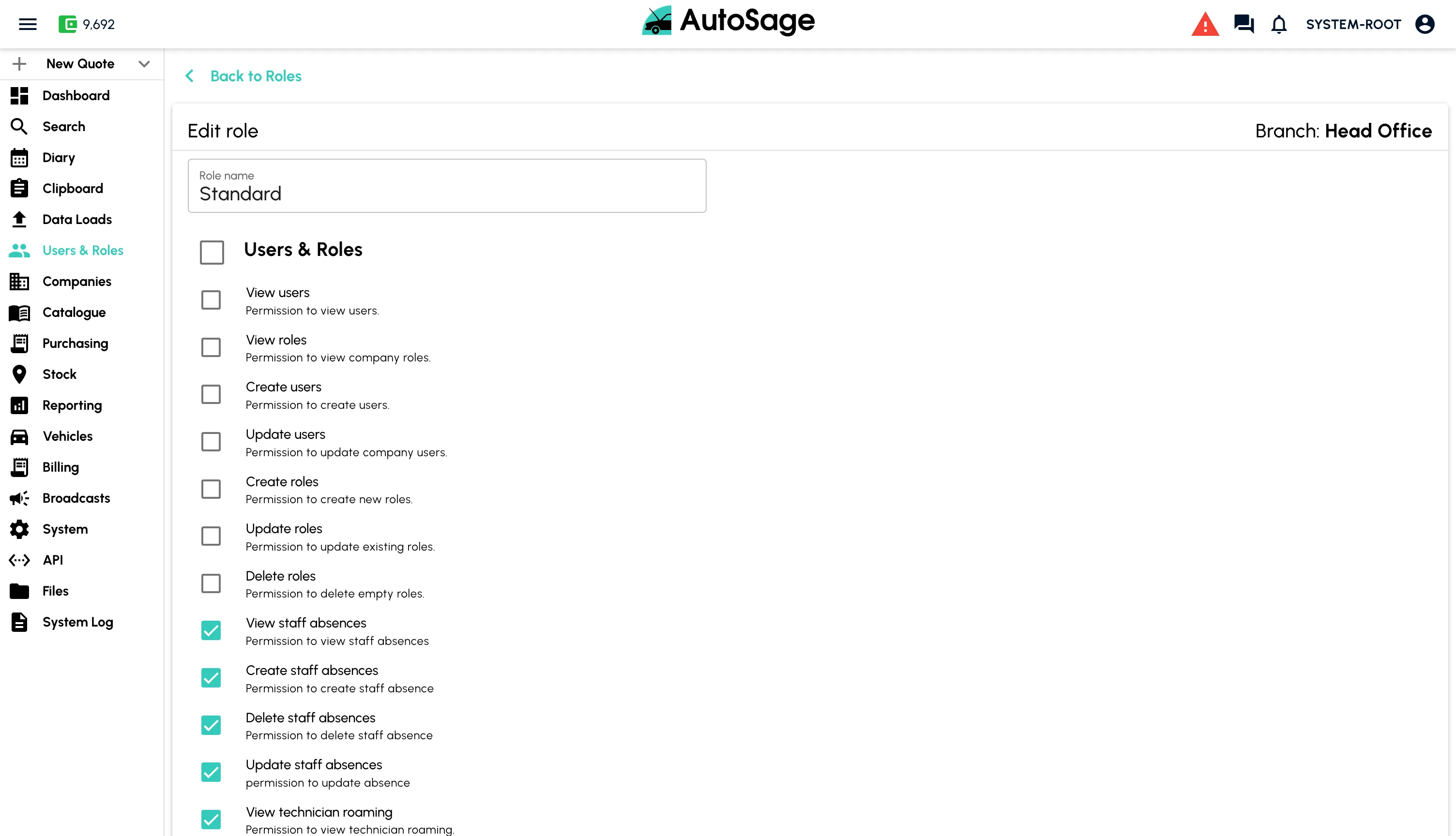
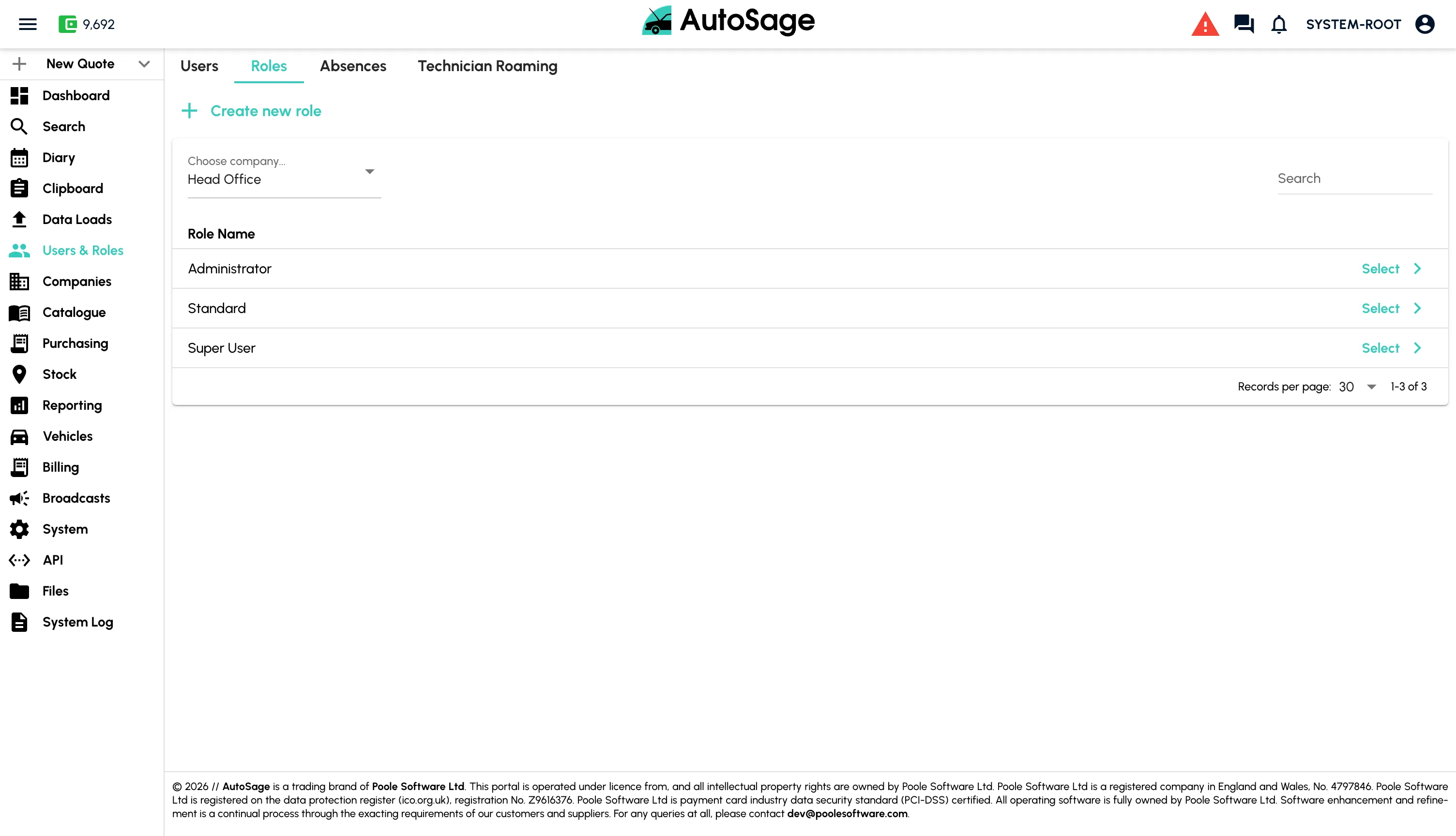
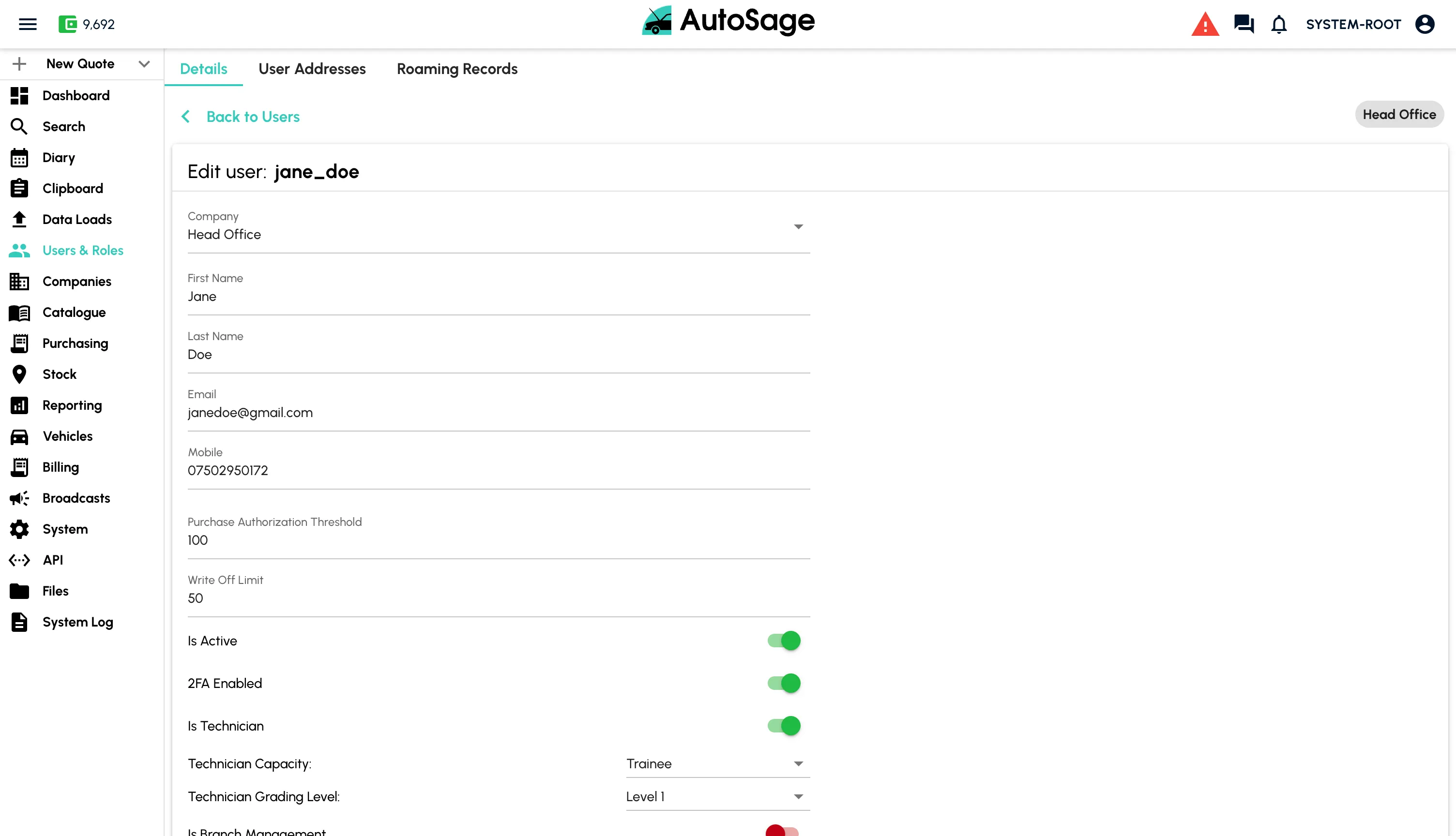
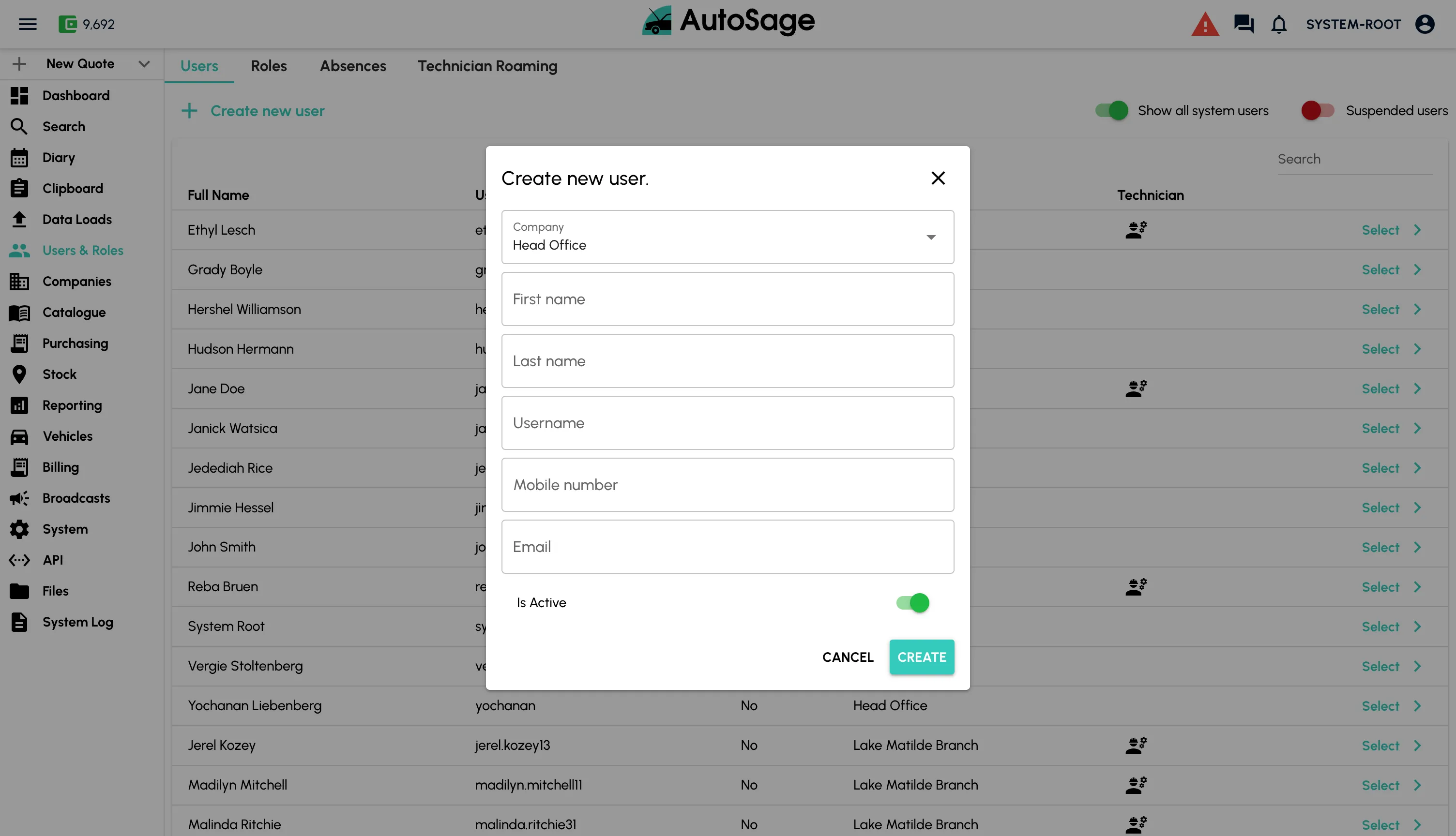
Set Up Users & Technicians
Add your team to AutoSage with the right permissions for the work they do.
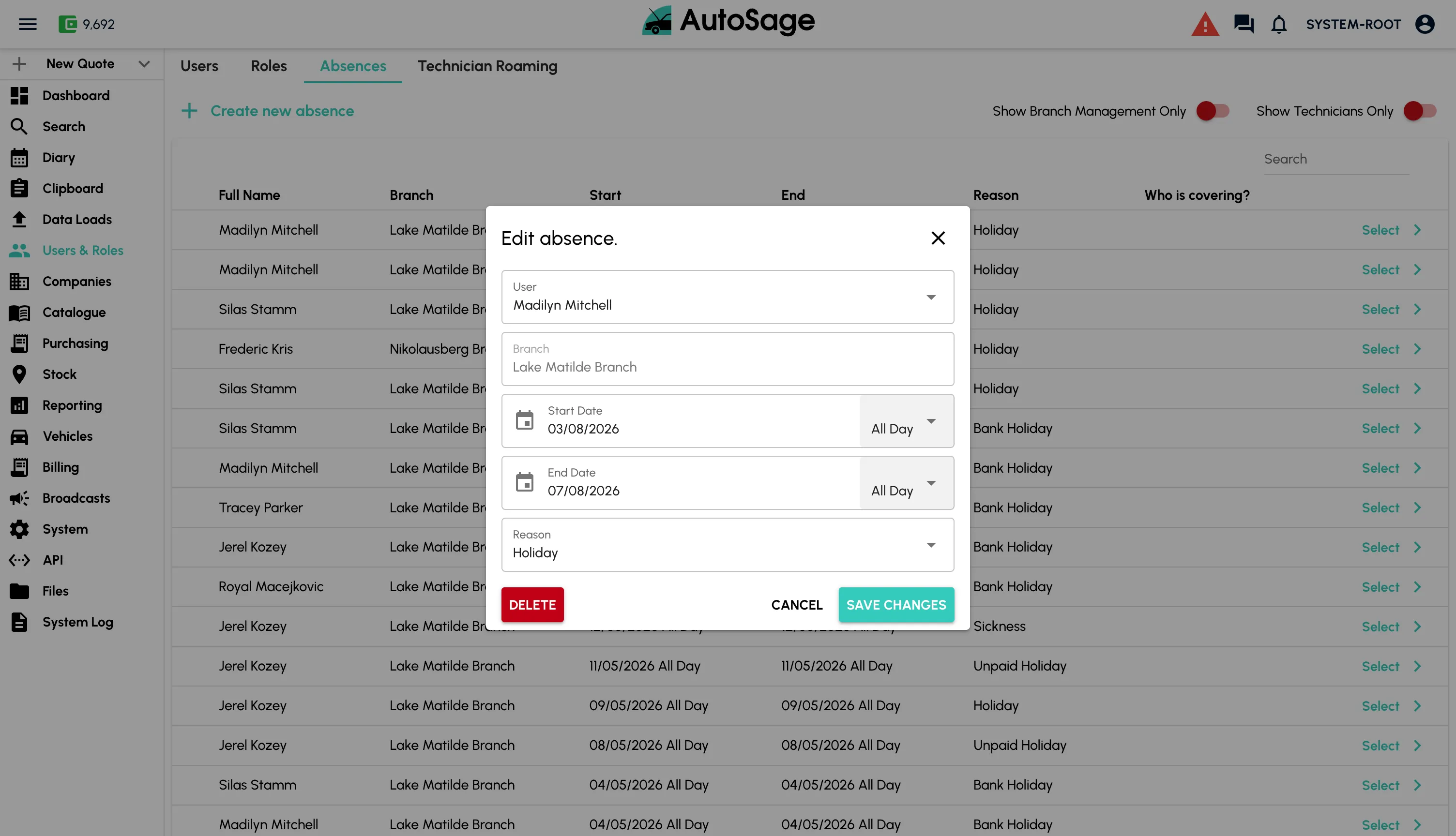
- Create accounts for office staff, managers and fitters
- Role-based permissions for diary, stock, billing and admin
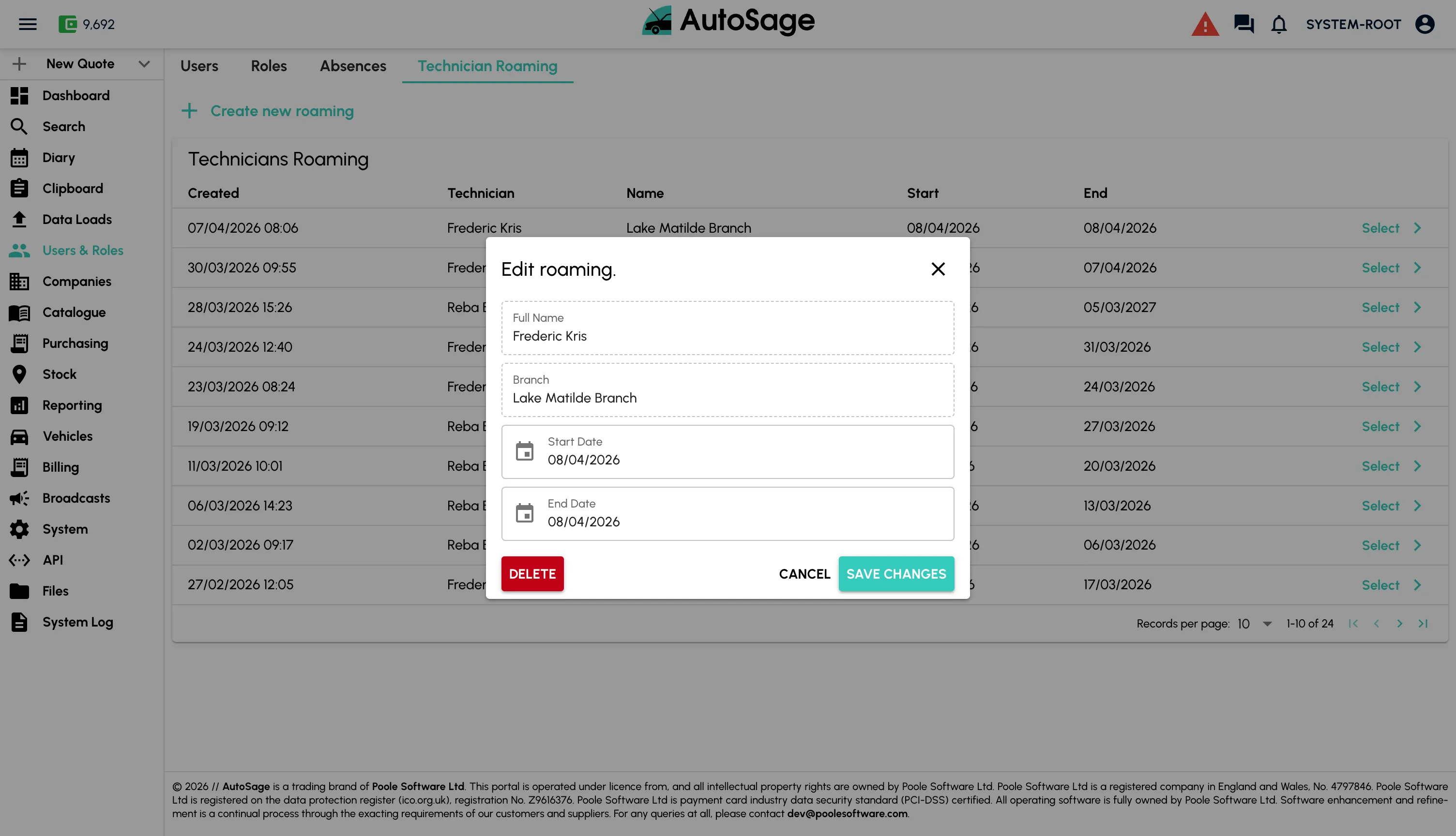
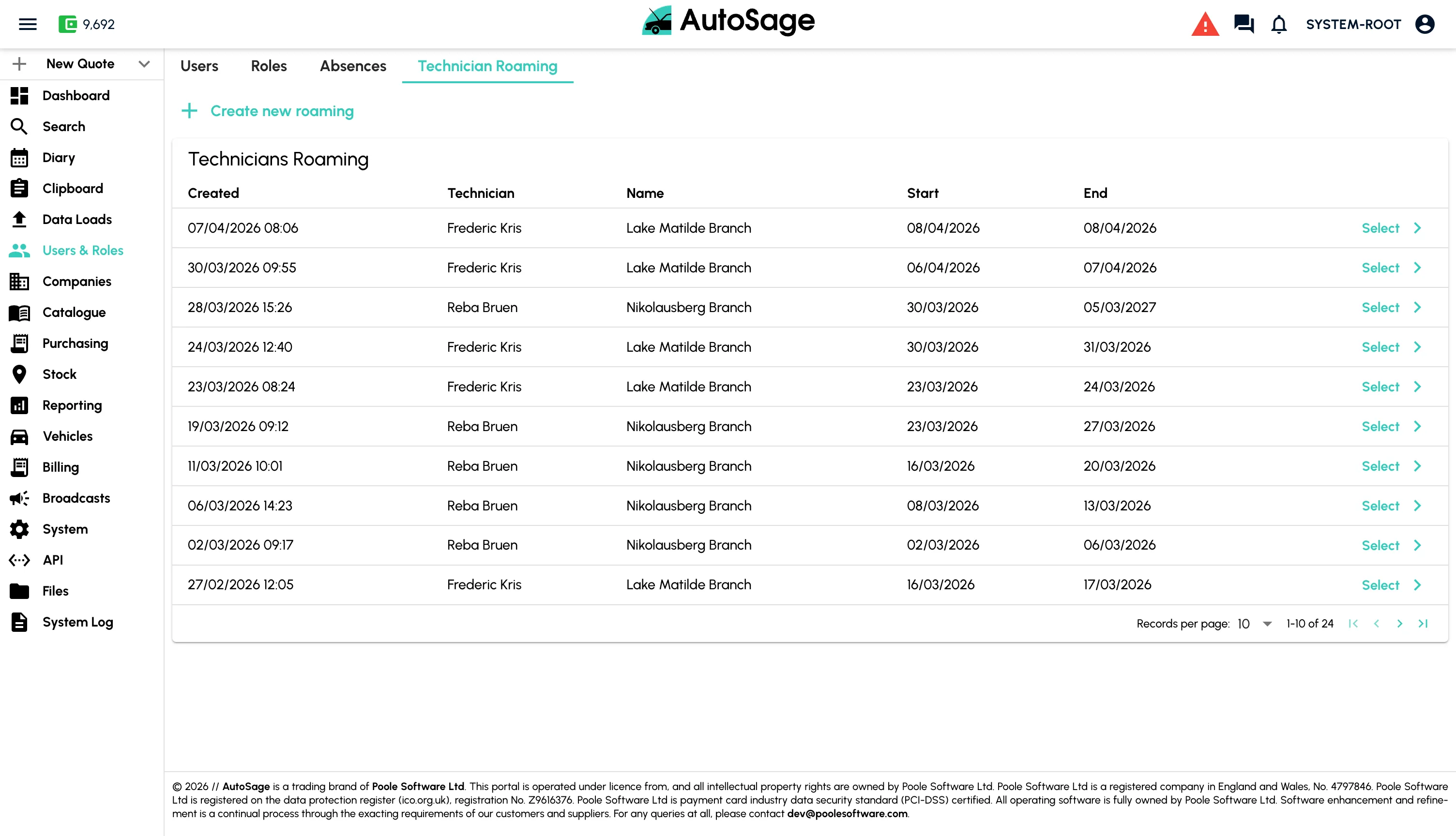
- Assign technicians to branches and bays
- Onboarding works in minutes, no IT team required
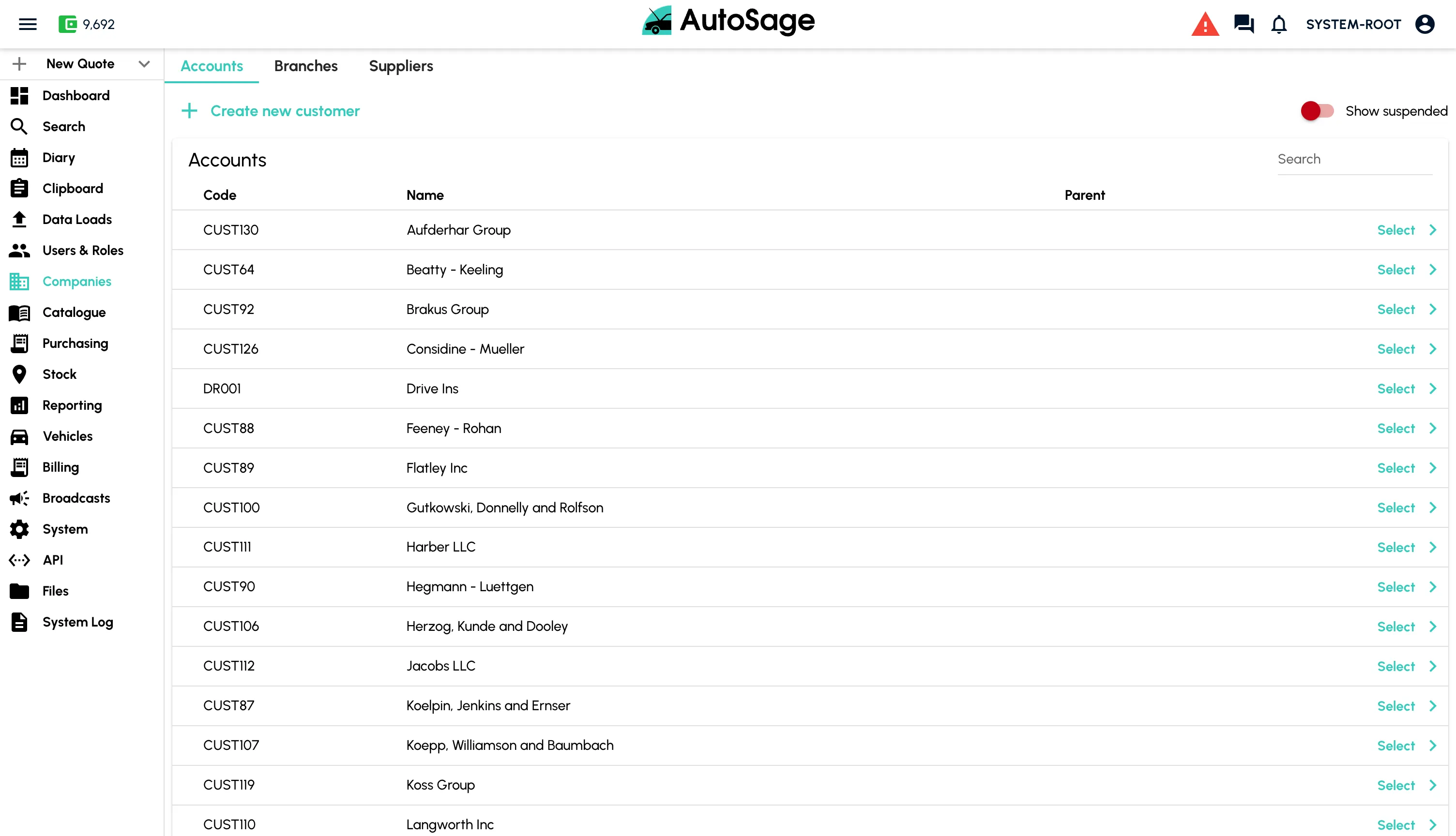
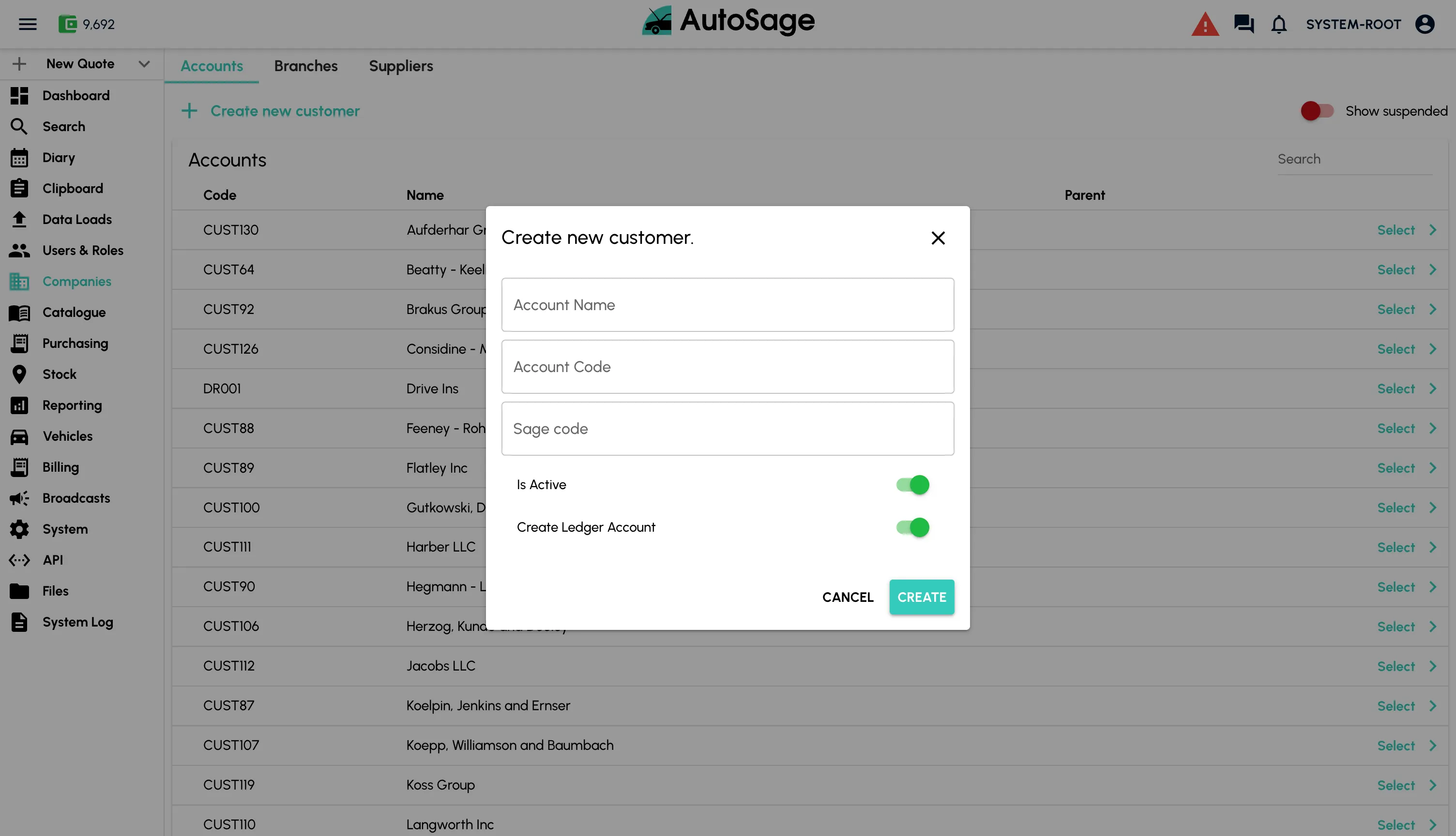
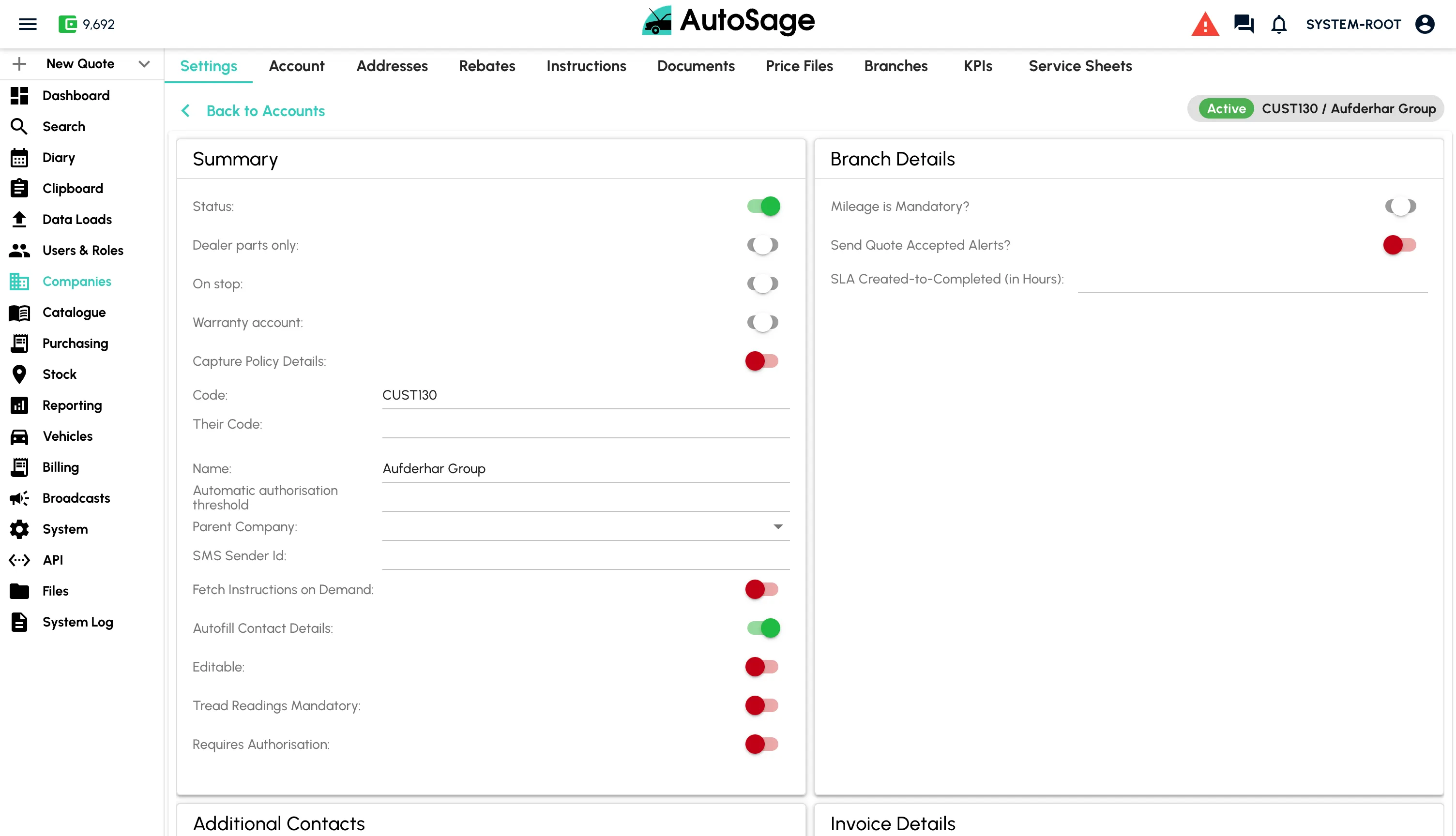
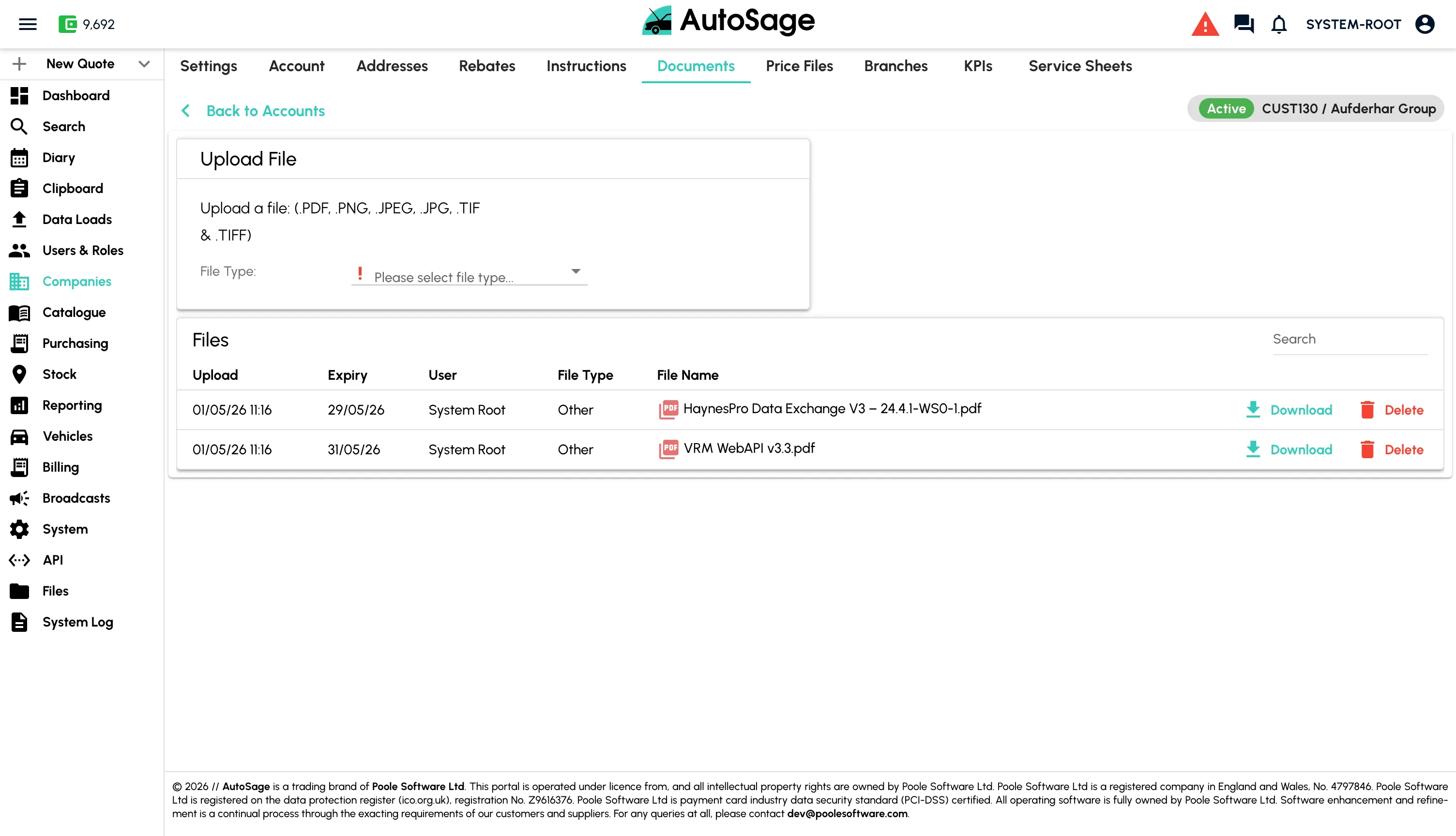
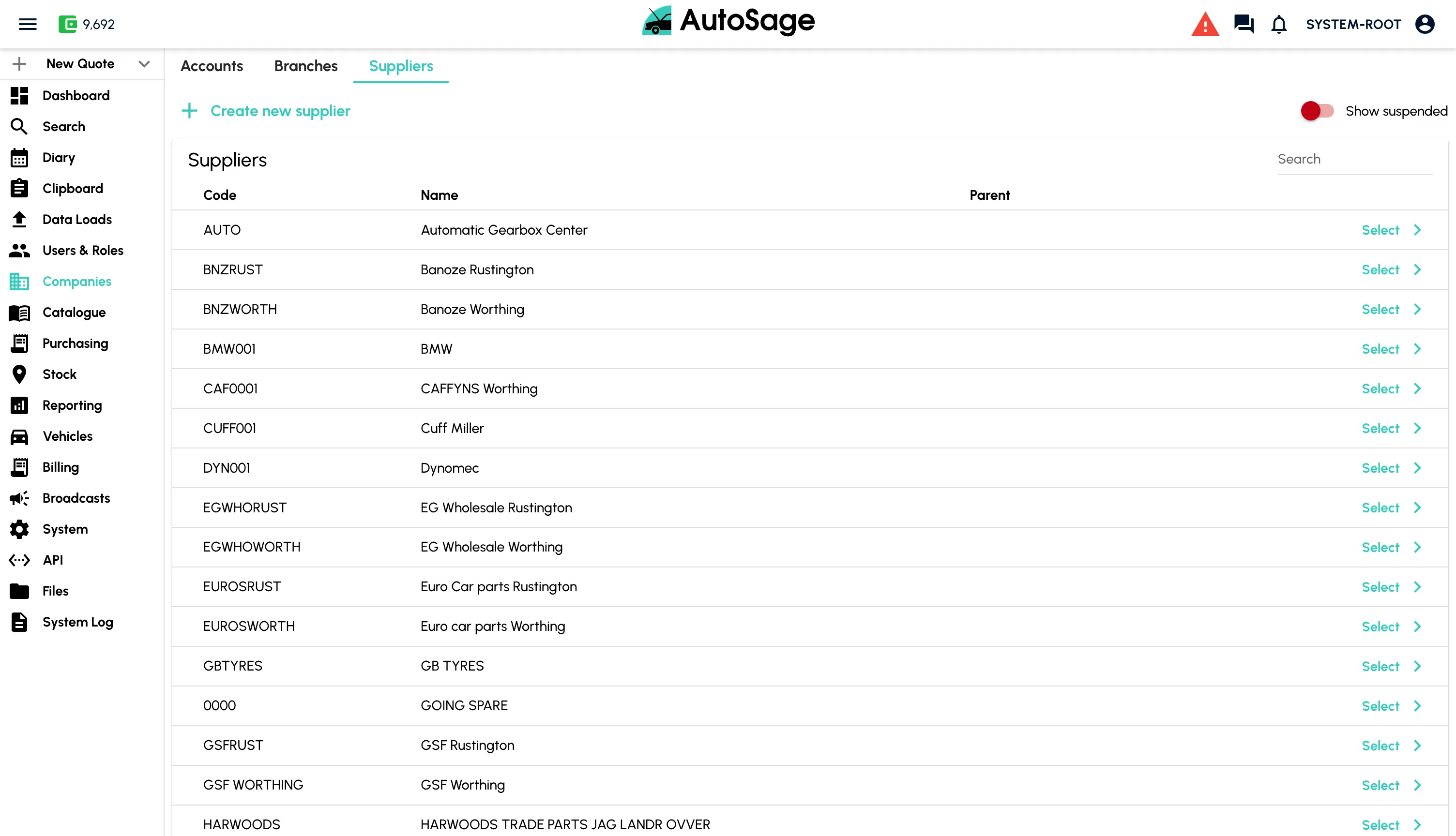
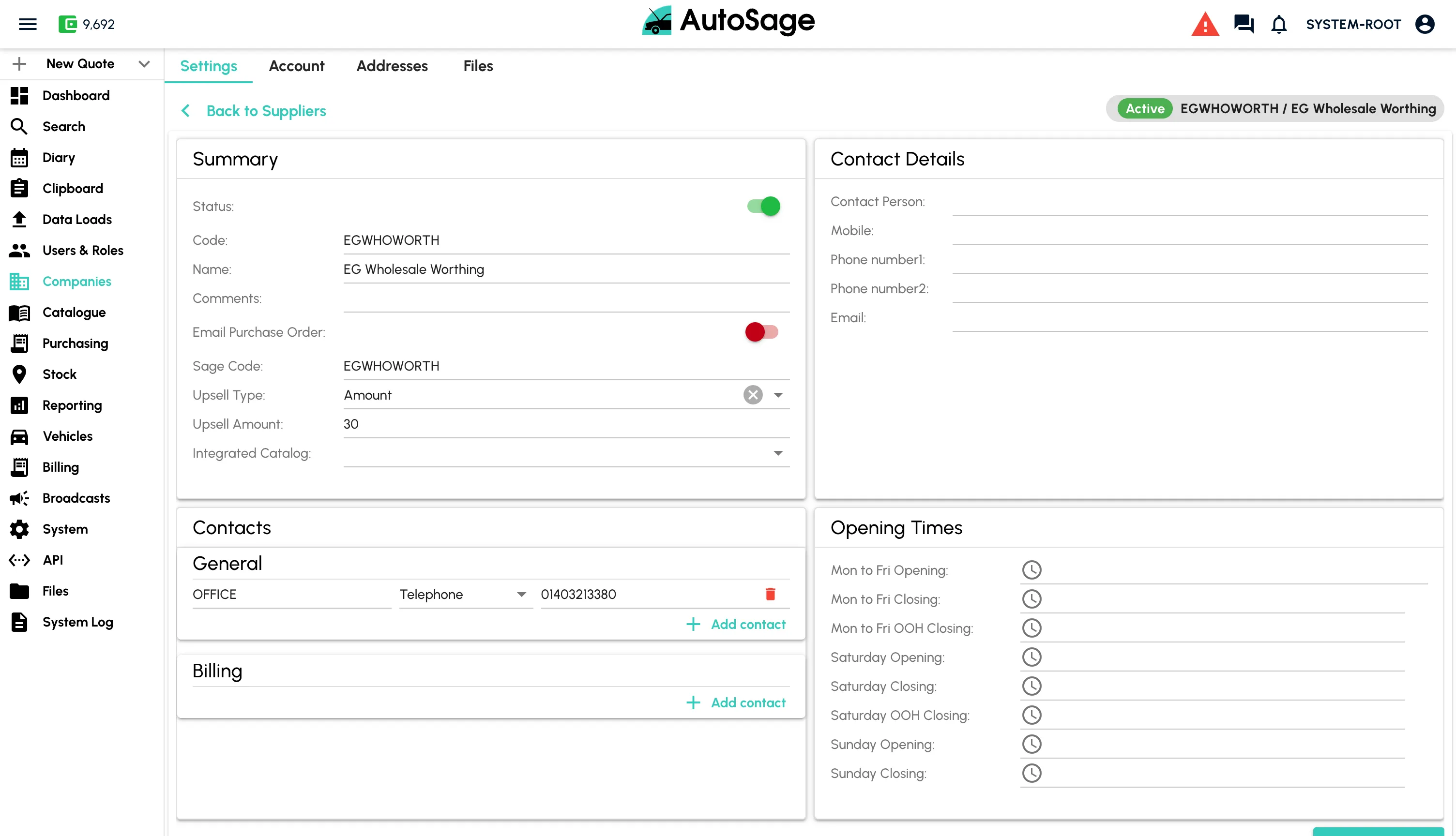
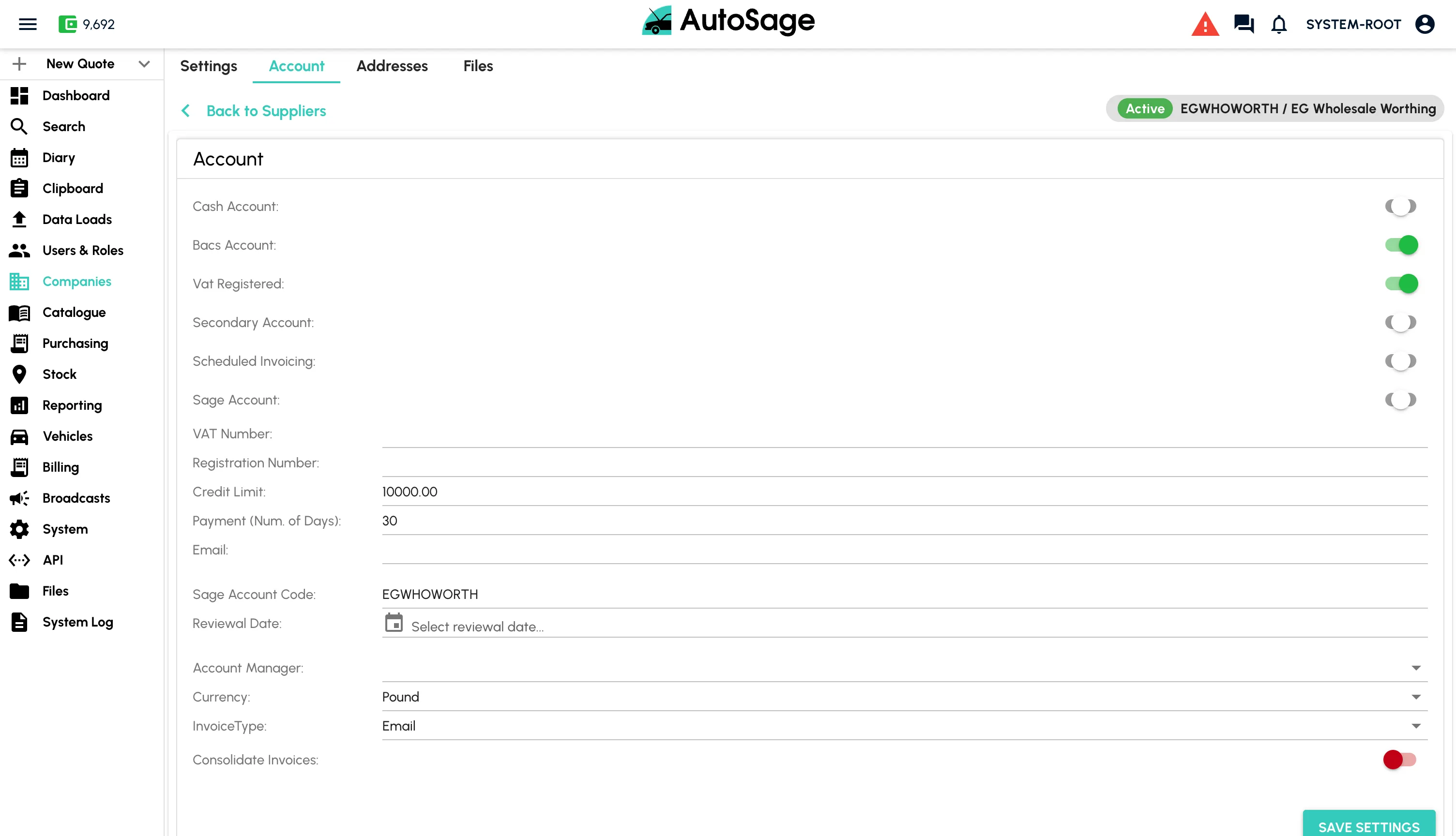
Set Up Customers & Suppliers
Build out your customer accounts and supplier list ready for daily operations.
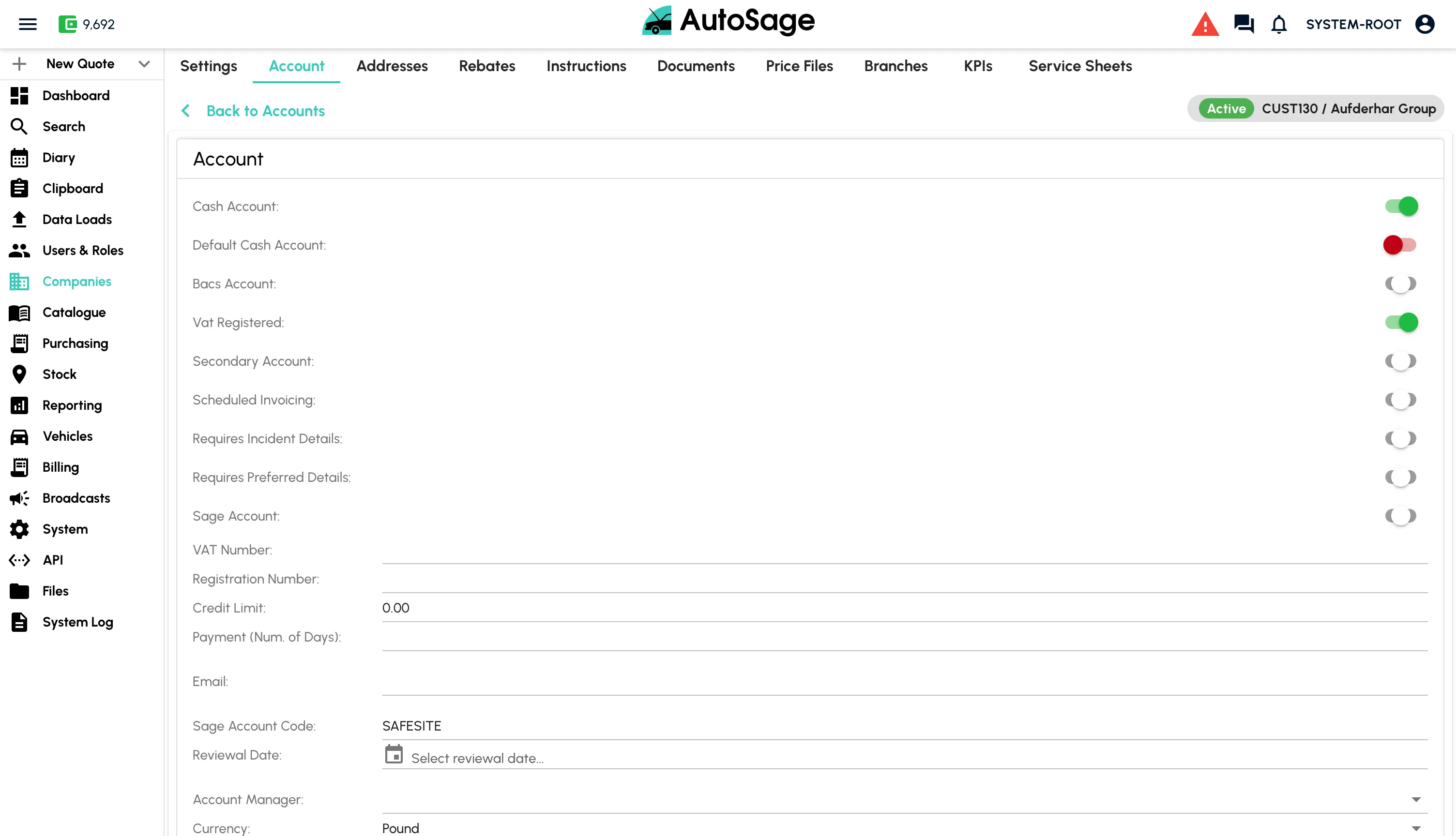
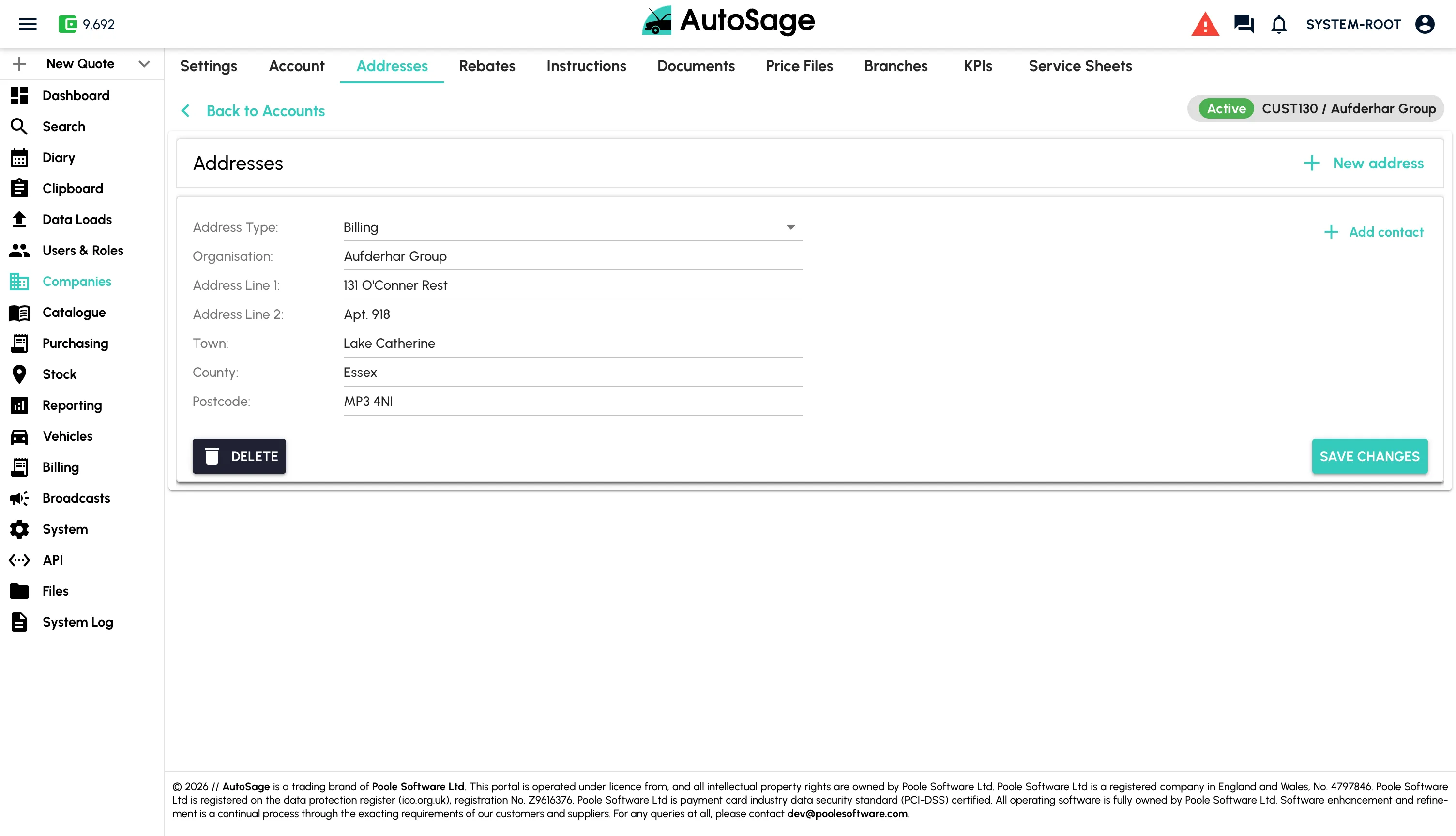
- Customer account creation with vehicles, contacts and addresses
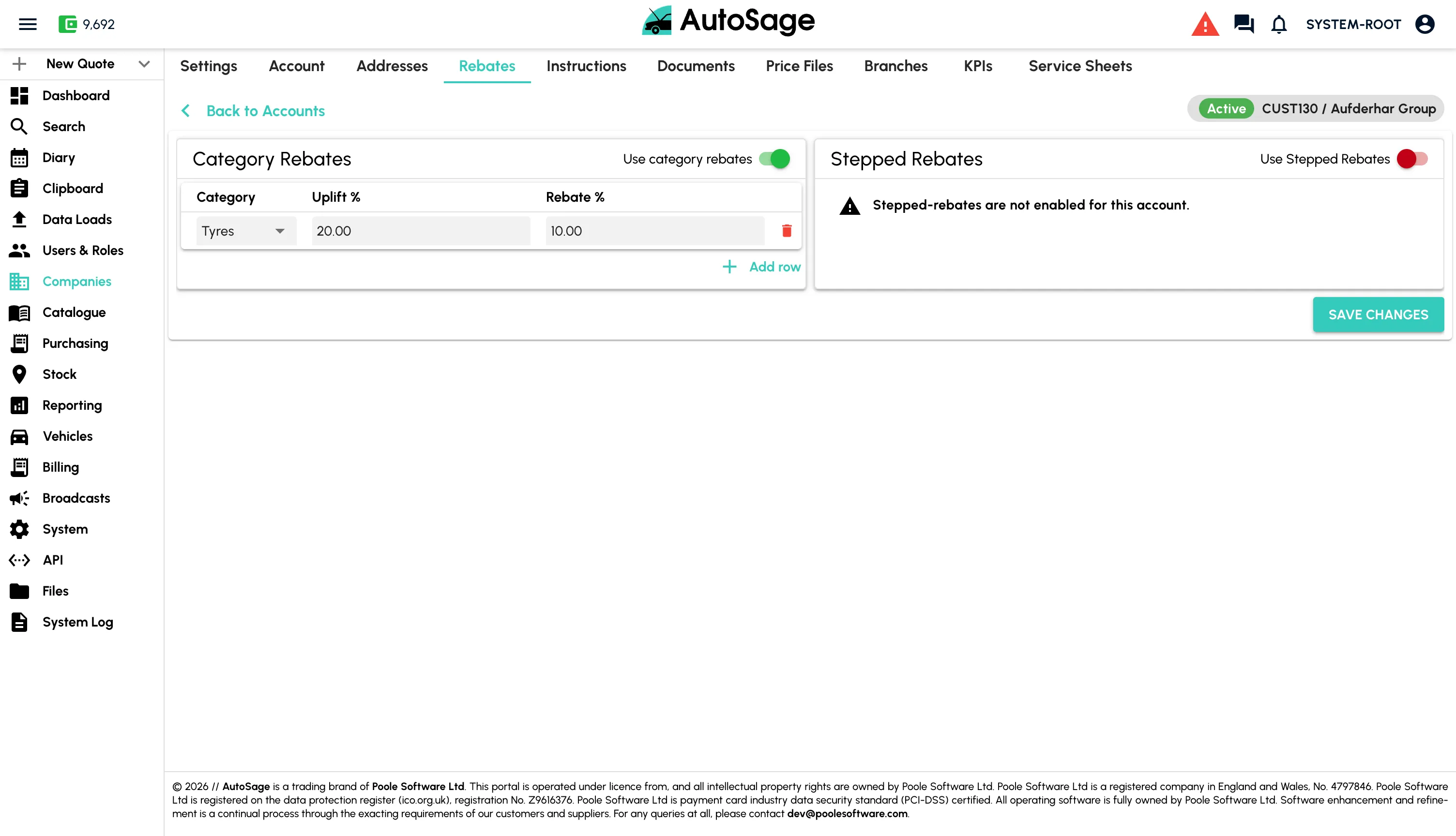
- Account-specific pricing, discounts and credit terms
- Supplier set-up ready to raise purchase orders
- Multi-branch support so each location can transact independently
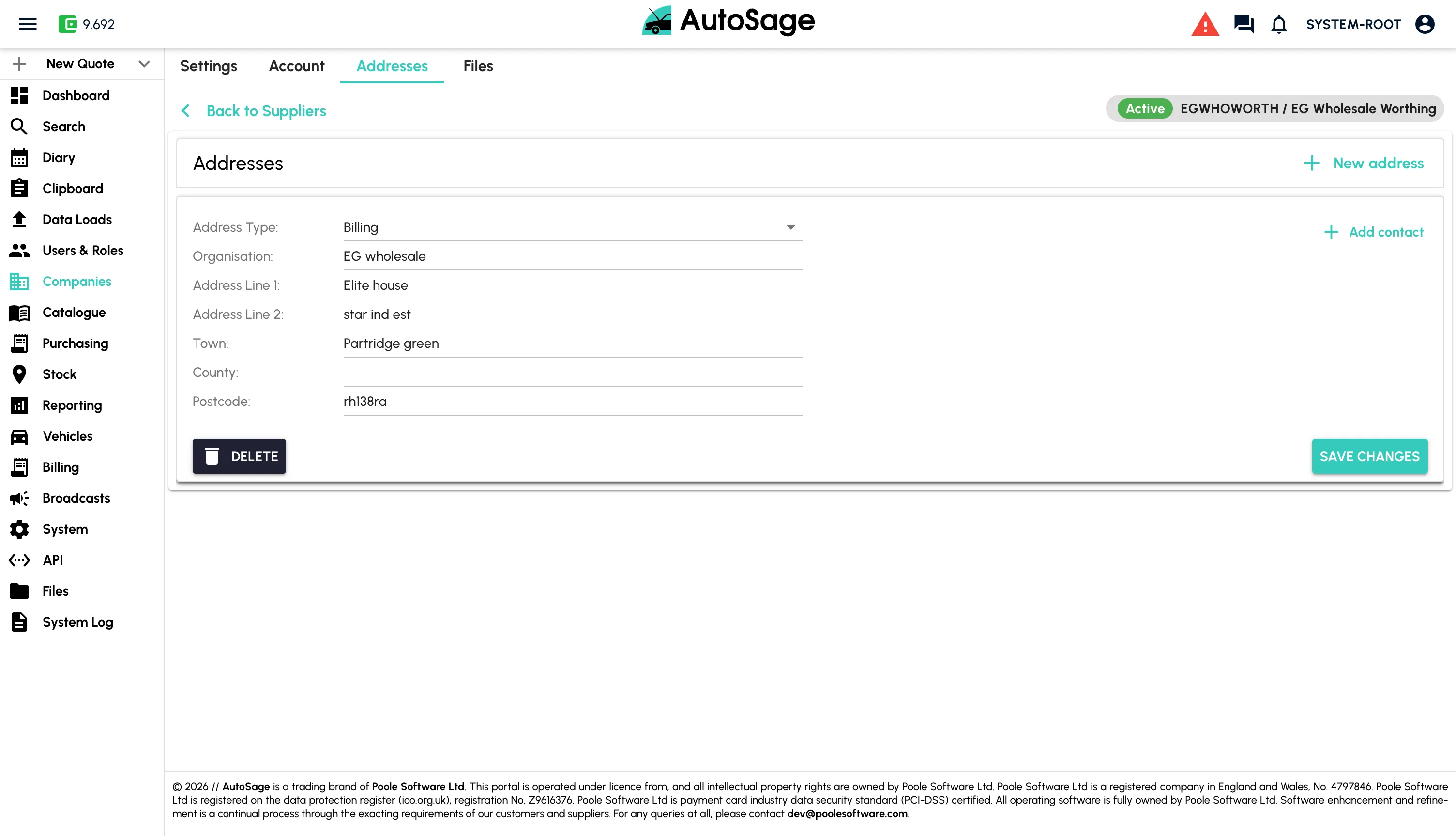
Create a Booking
Take a job in seconds. Vehicle, customer and notes captured in one screen.
- Quick lookup by registration with DVLA verification
- Add vehicle, customer and contact details in one flow
- Capture work required, notes and photos up front
- Confirm to the customer via SMS or email
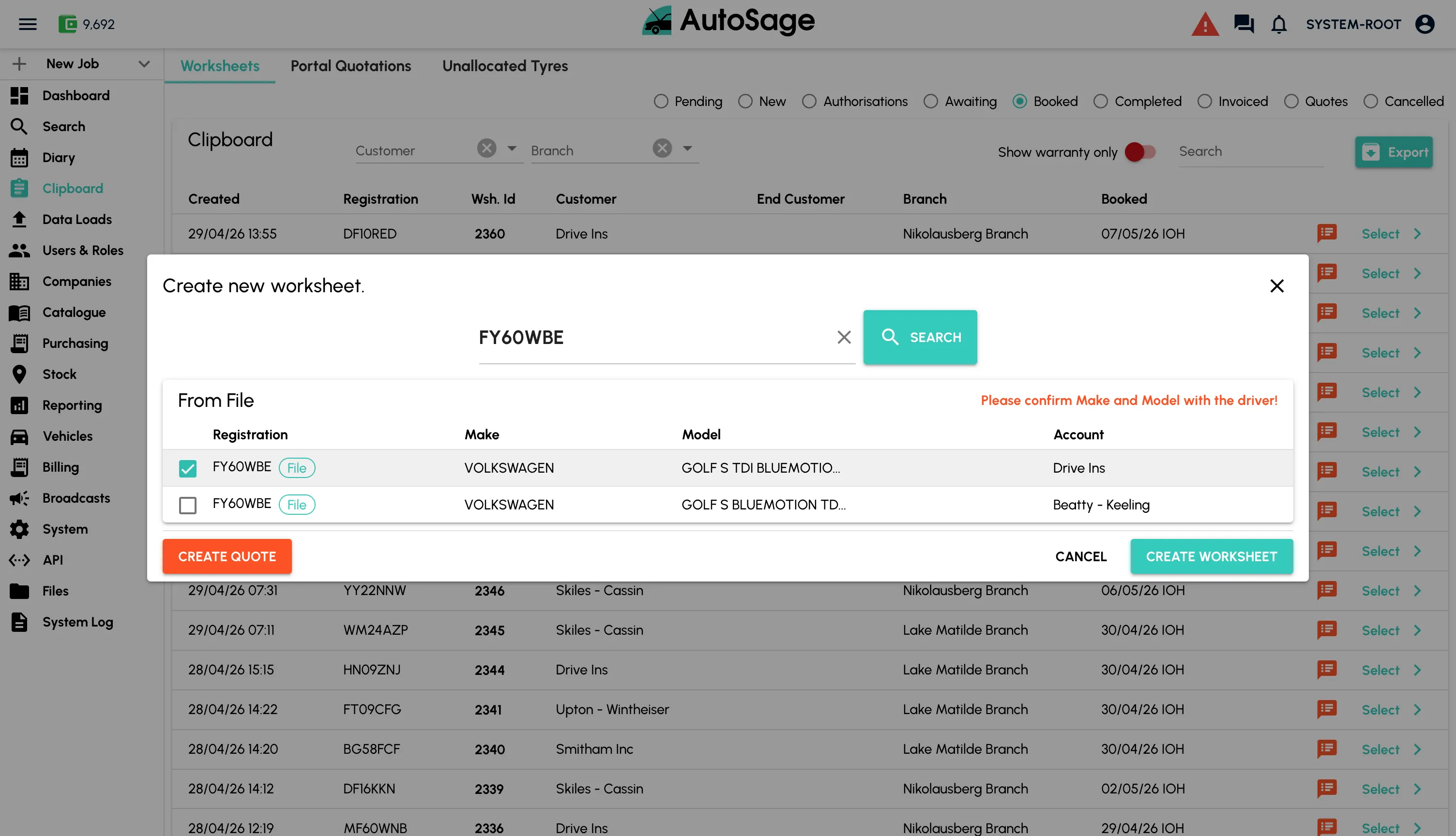
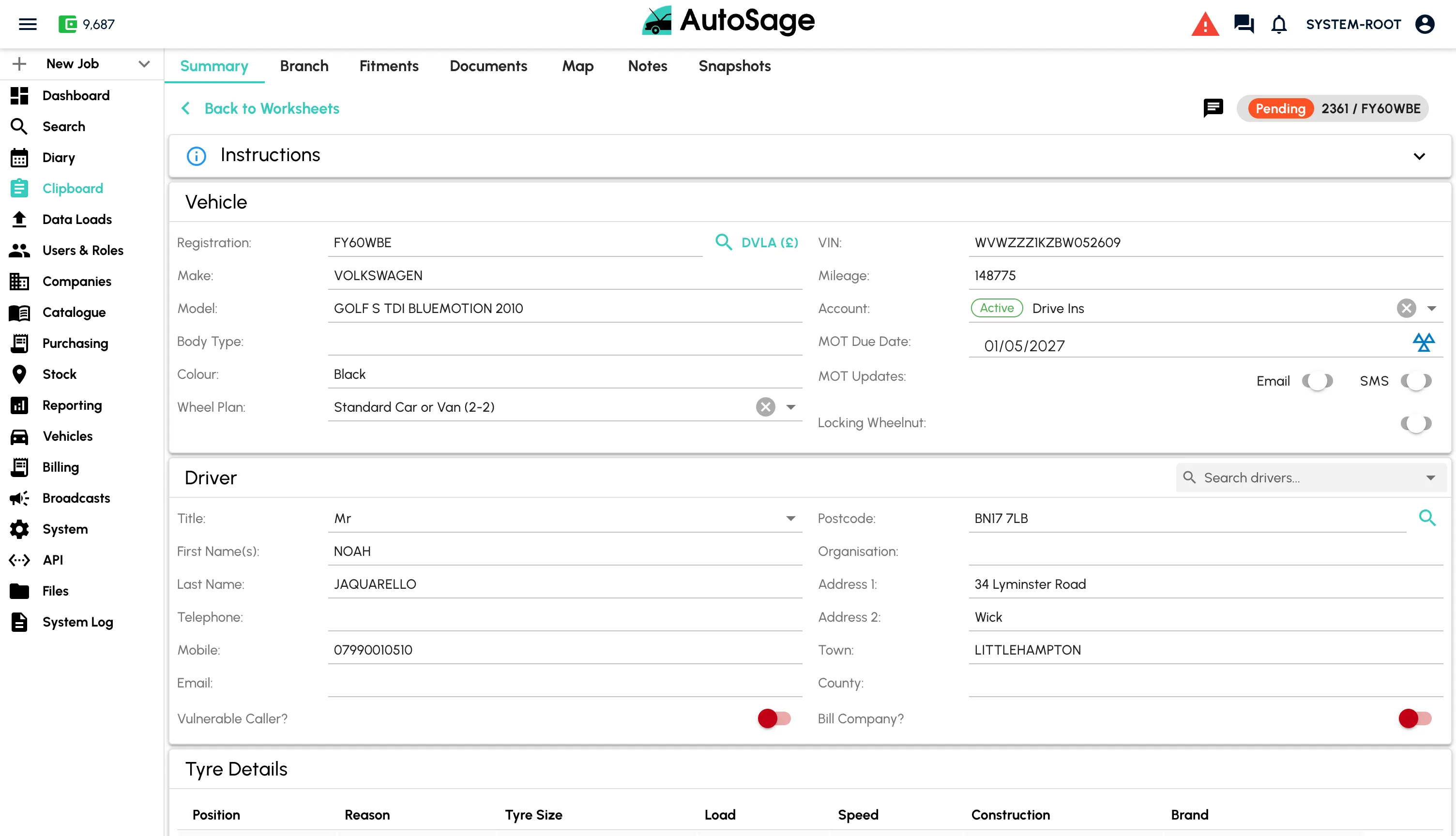
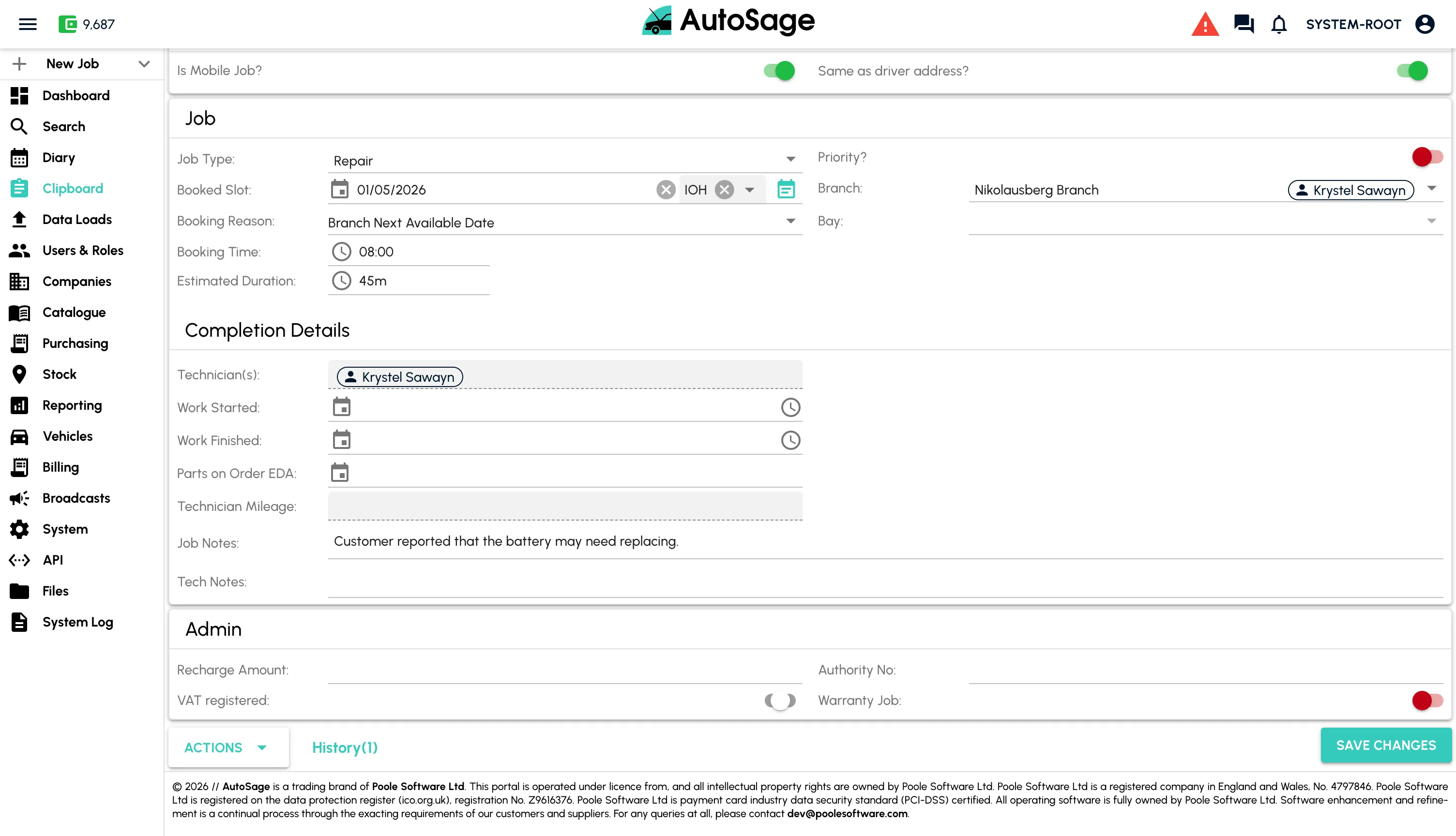
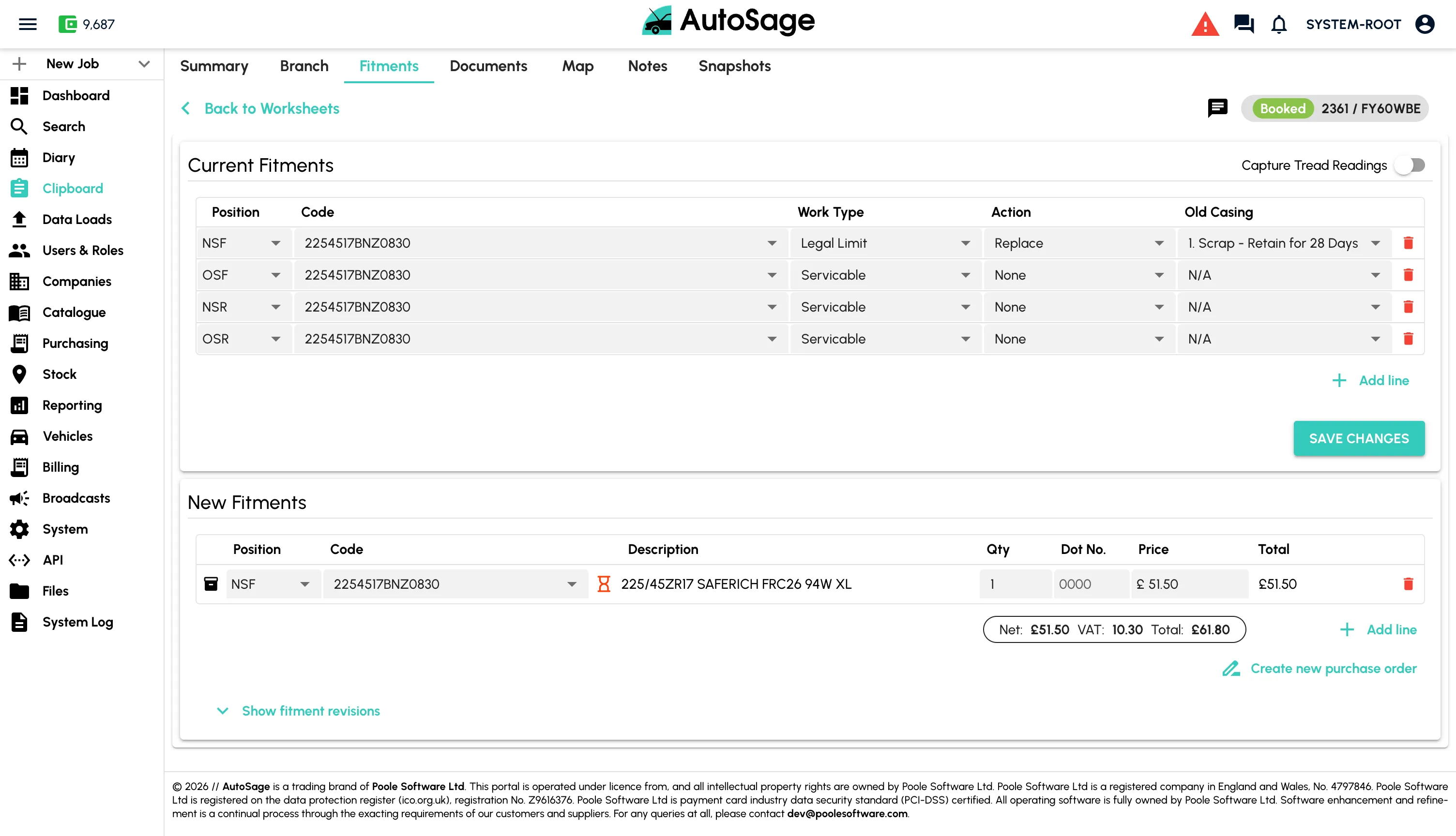
Set Fitments, Order Parts & Cost the Labour
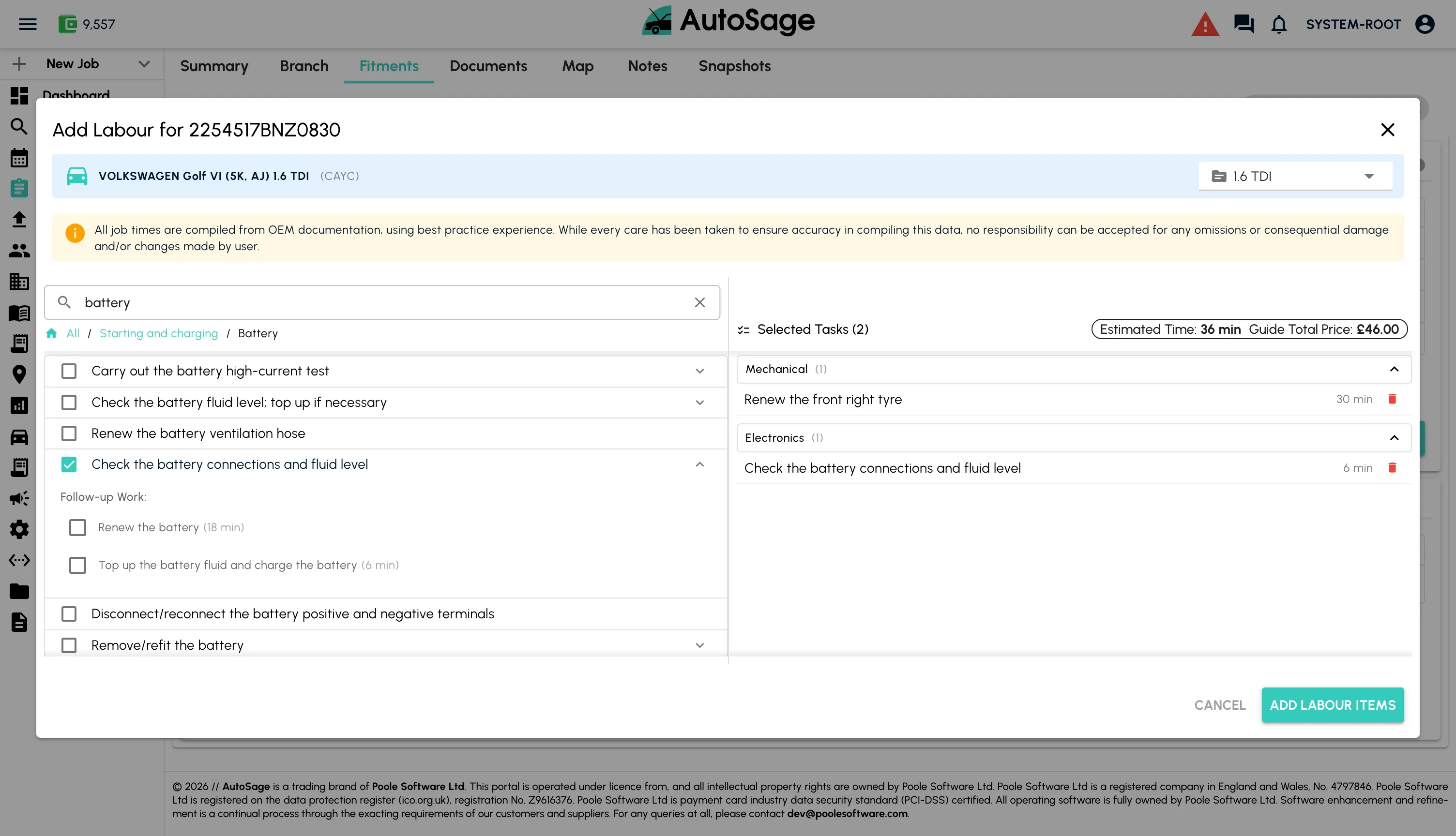
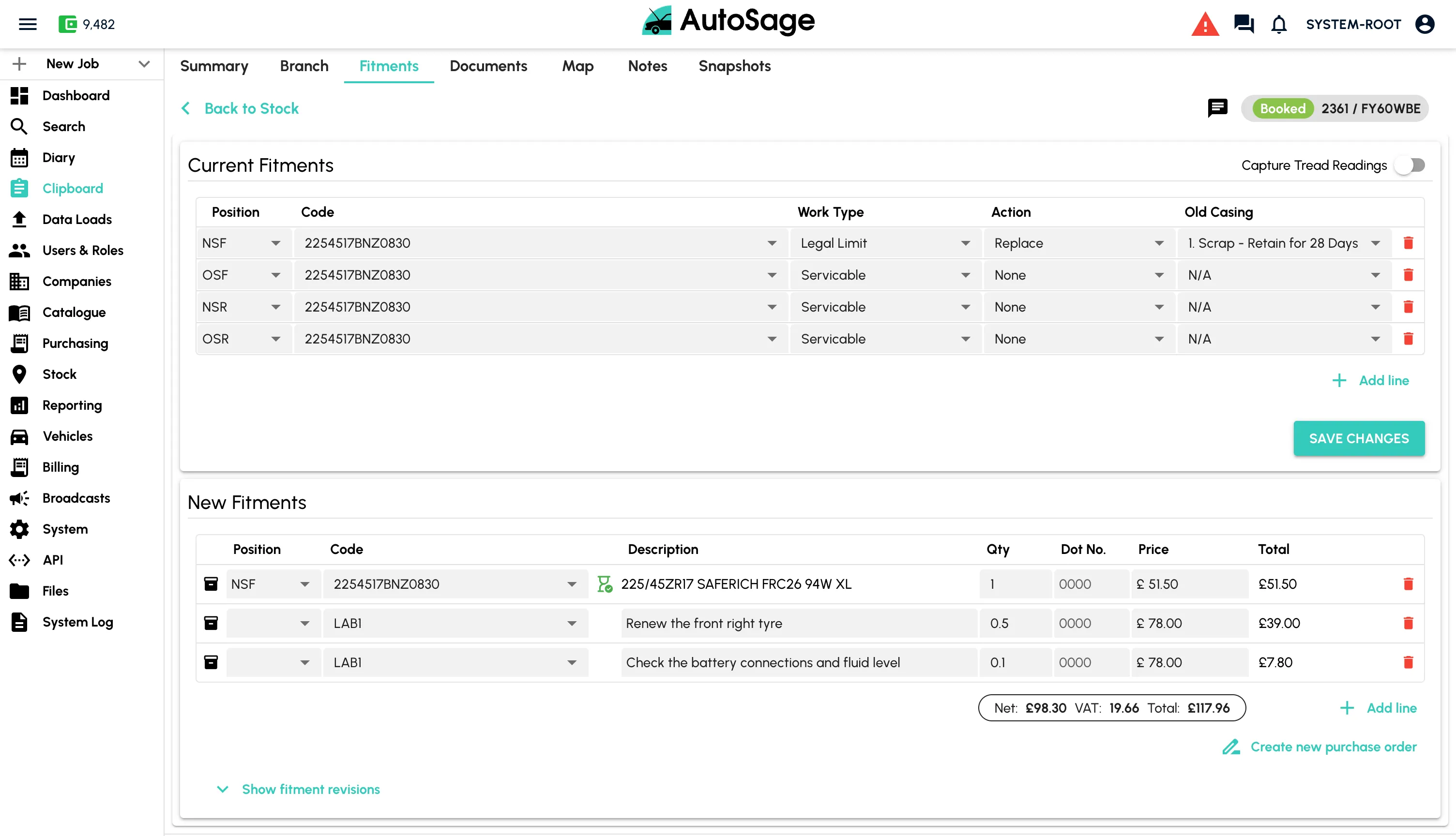
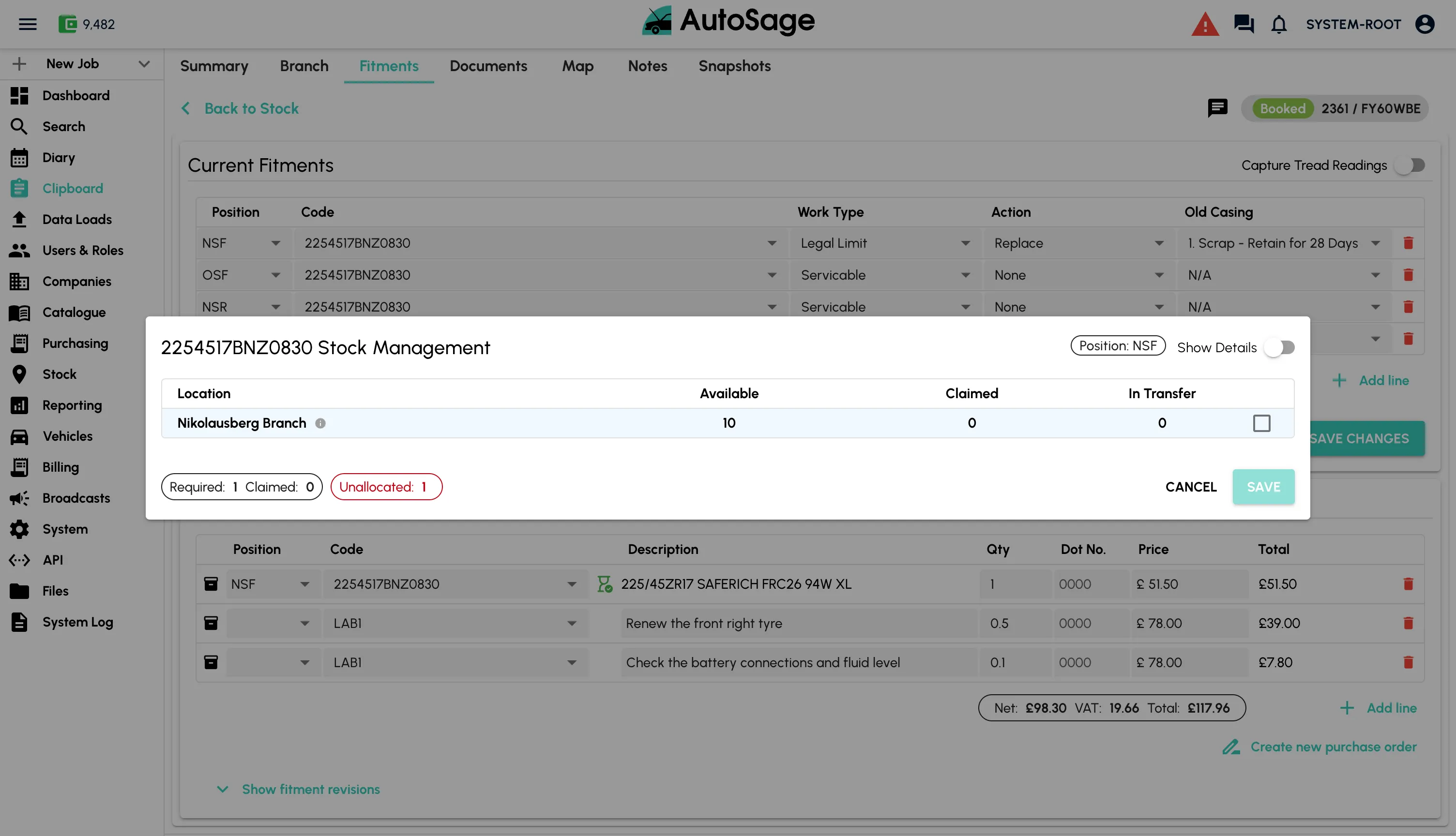
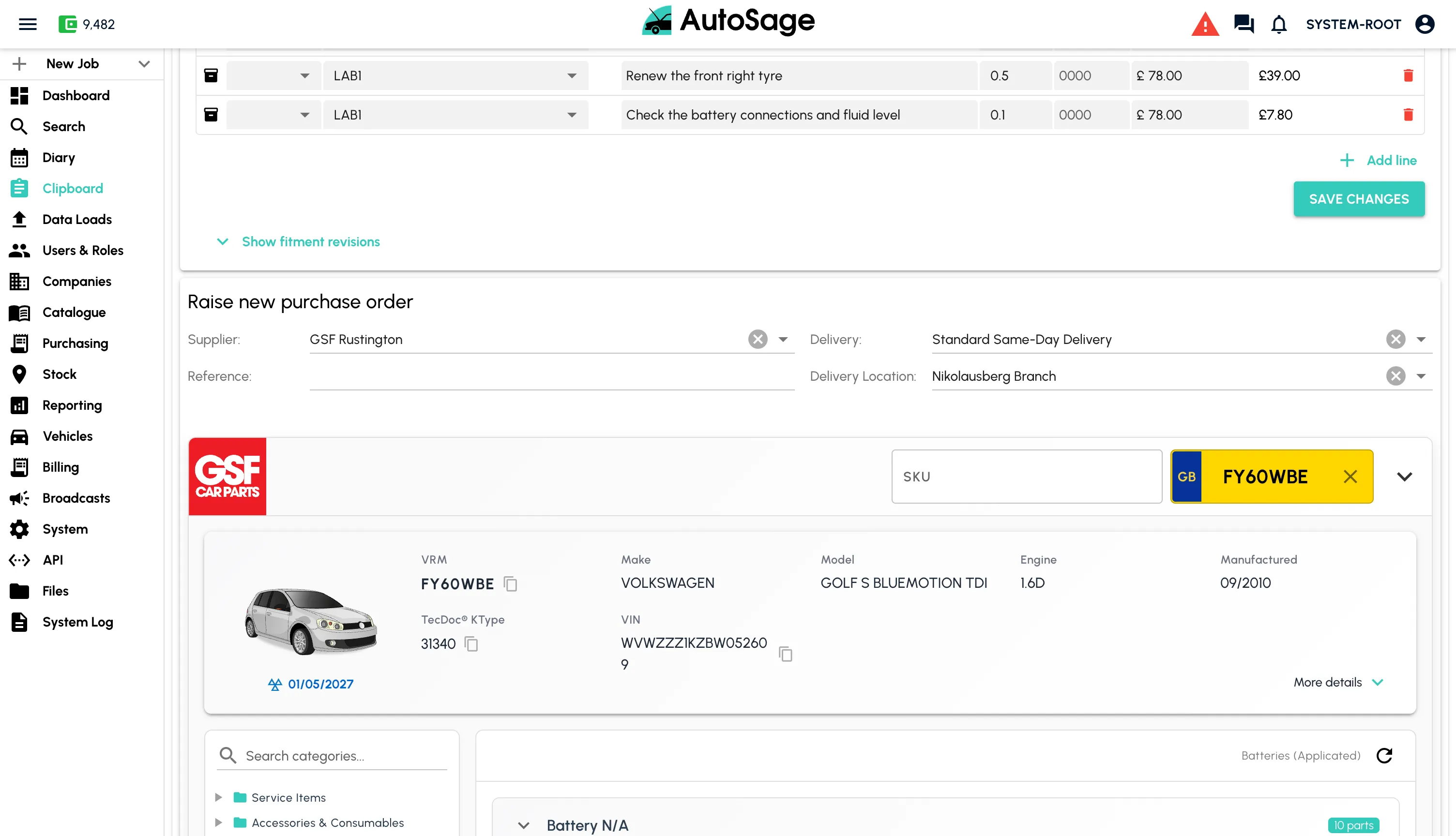
Add the parts and labour needed, raise purchase orders for missing stock, and let  do the heavy lifting on times and costs.
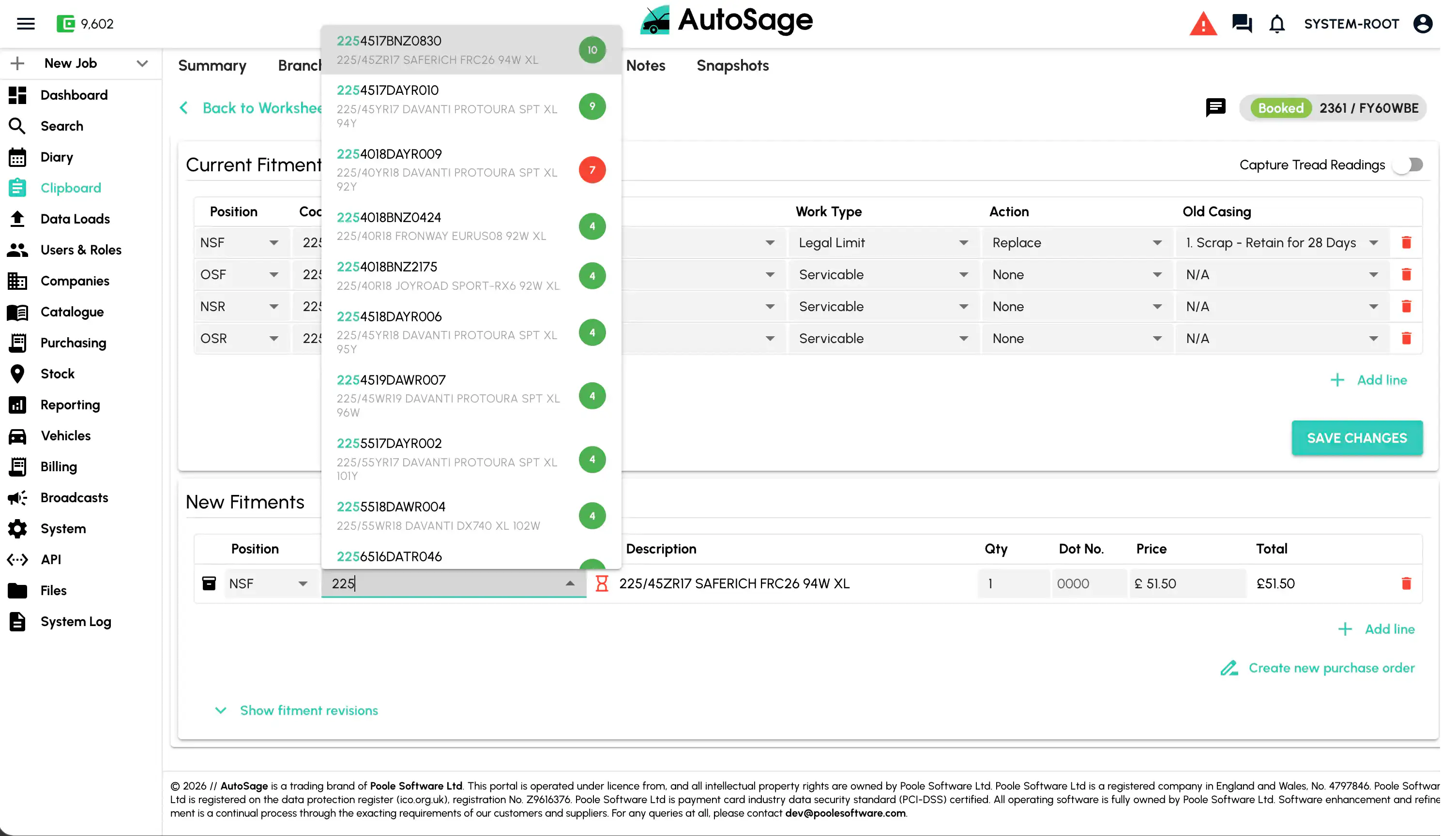
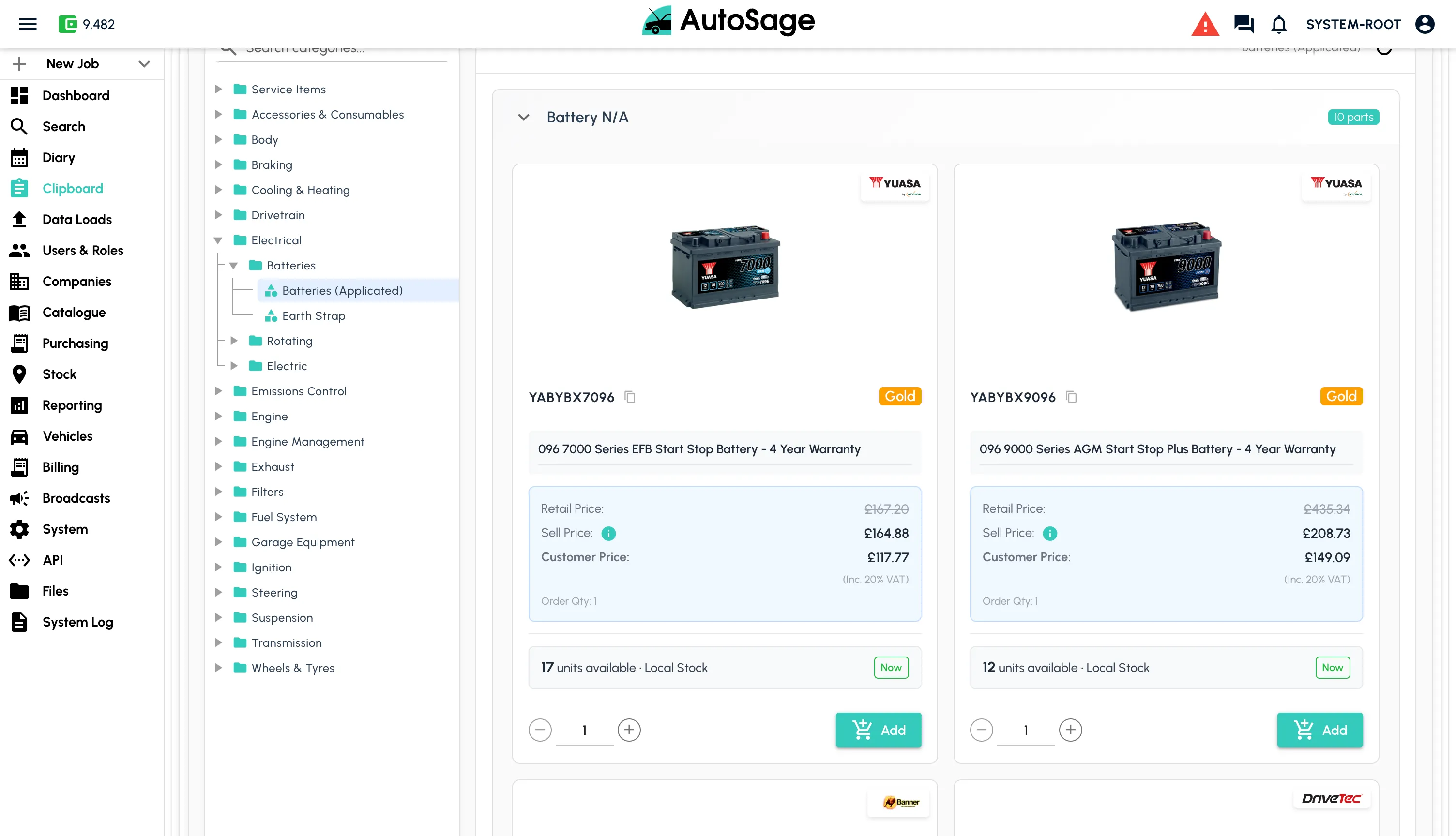
- Add tyres, parts and consumables straight from your catalogue
- Live stock check across branches before committing fitments
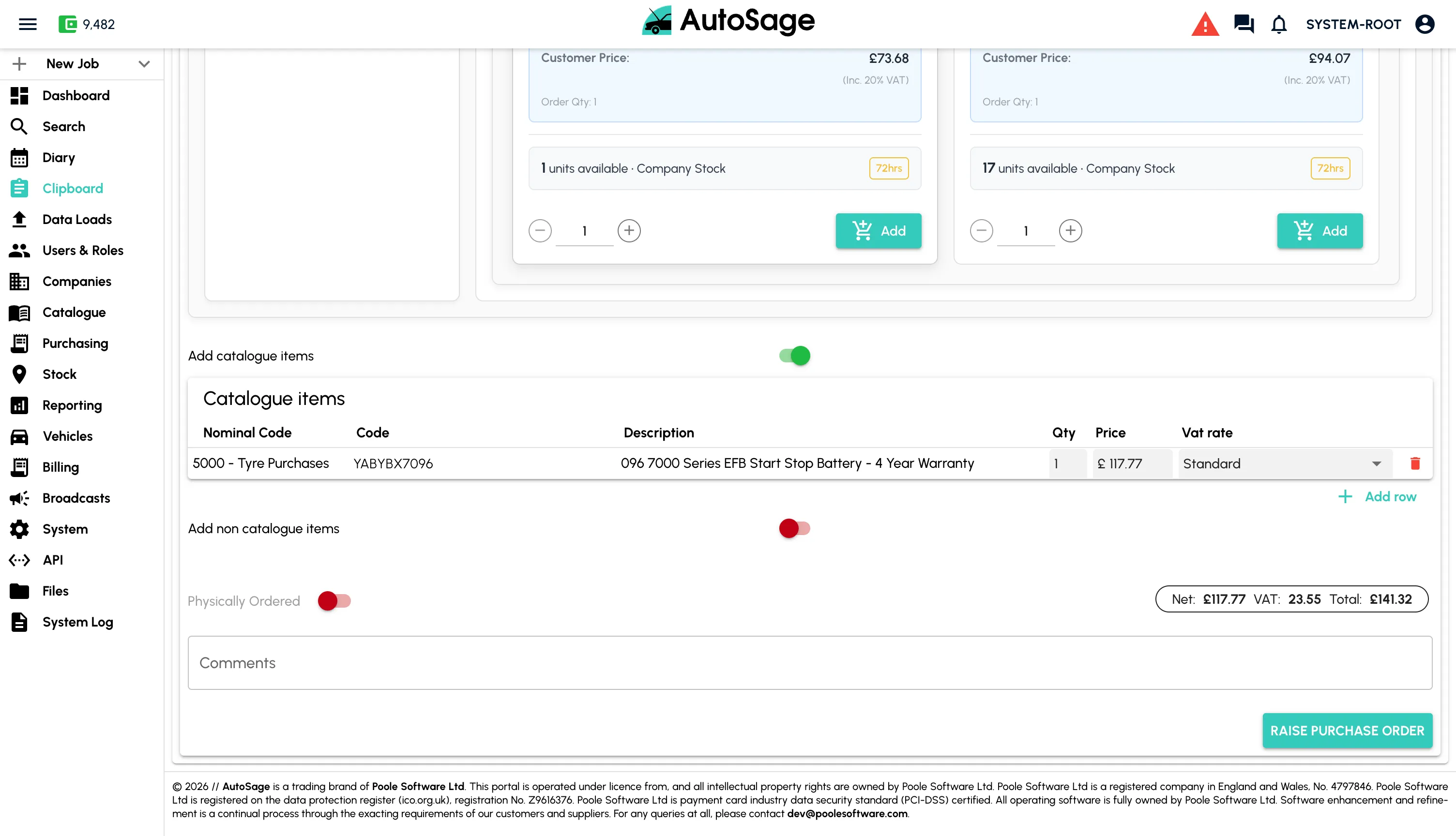
- Raise purchase orders to
 and other suppliers for missing stock without leaving the booking
 - lookup pulls labour times and costs for the job
- Job-level cost rolls up automatically as parts and labour are added
Drag & Drop onto the Diary
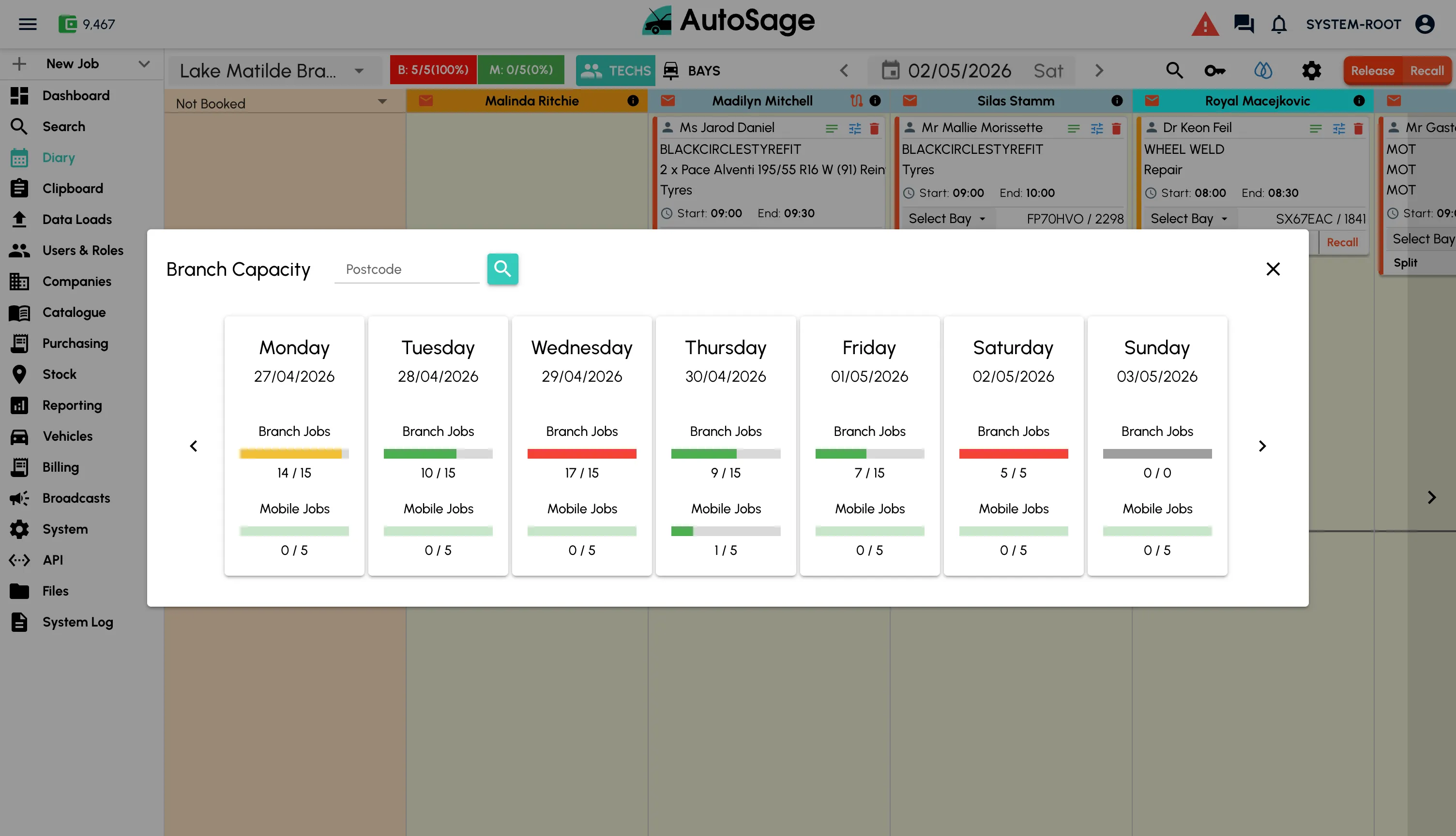
Place the job on an available technician and bay in one motion. Live capacity is visible at a glance.
- Drag the booking onto an available fitter and bay
- See branch remaining capacity for any given day
- Reassign or reschedule with the same drag motion
- Real-time updates push to the fitter's mobile app
Fitter Completes the Job on Mobile
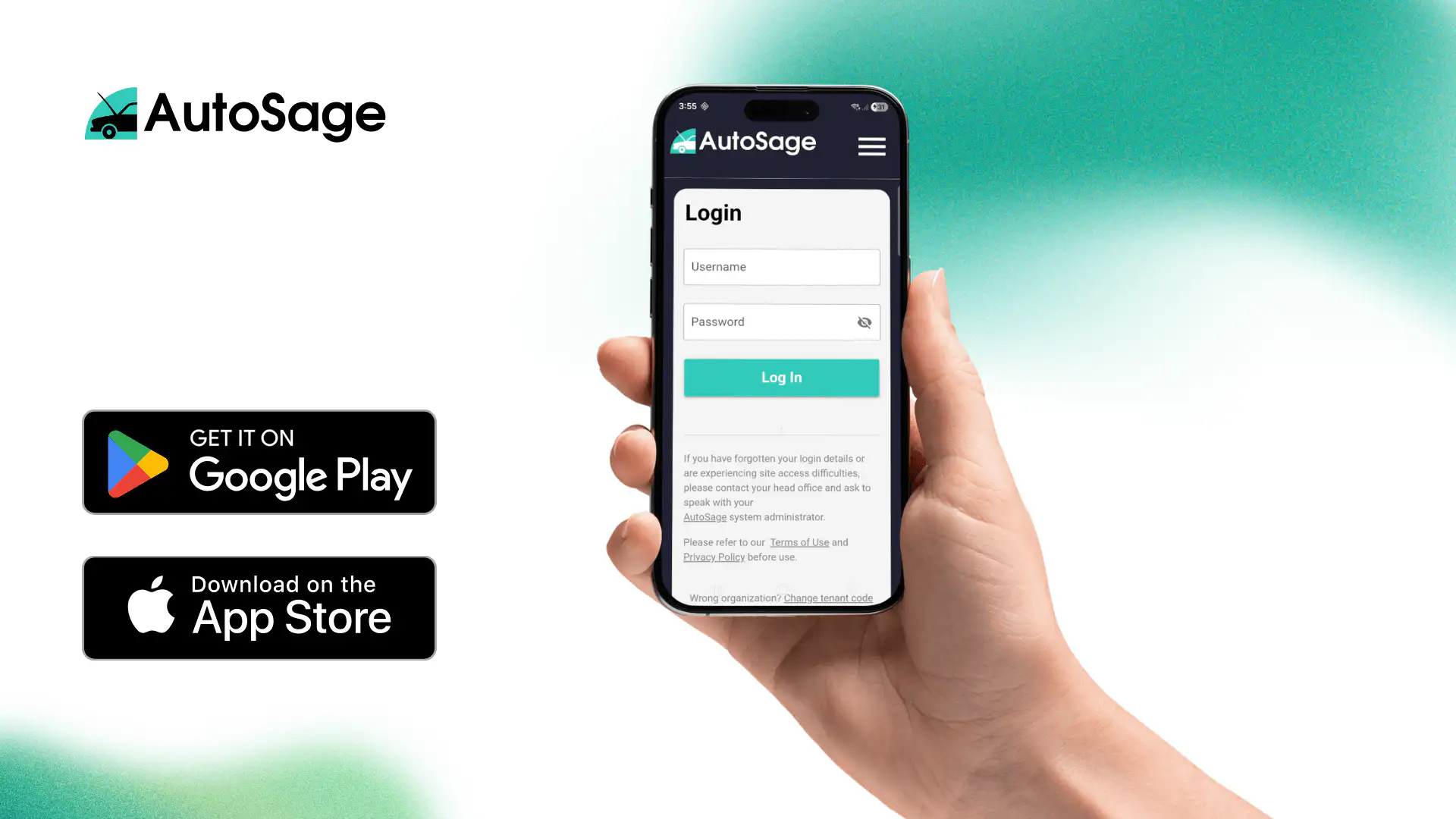
Your fitters get the day's jobs on their phone, capture sign-off and damage evidence, and stay synced with head office.
- Day's allocated jobs synced live to the fitter
- Customer signature capture on the device for sign-off
- Photo and video capture for damage inspection evidence
- Live messaging back to head office throughout the job
- Offline-tolerant capture, syncs when back in signal
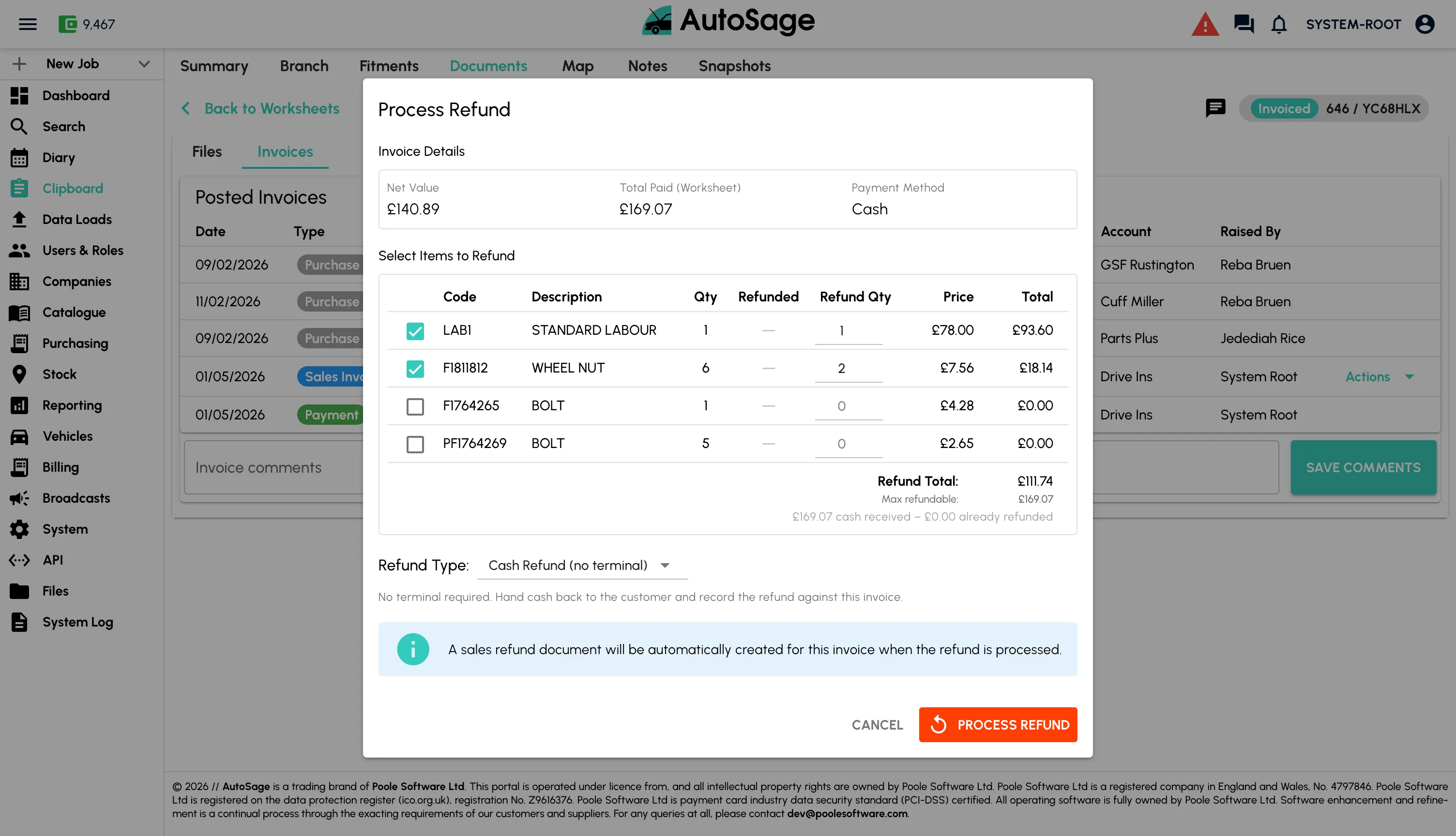
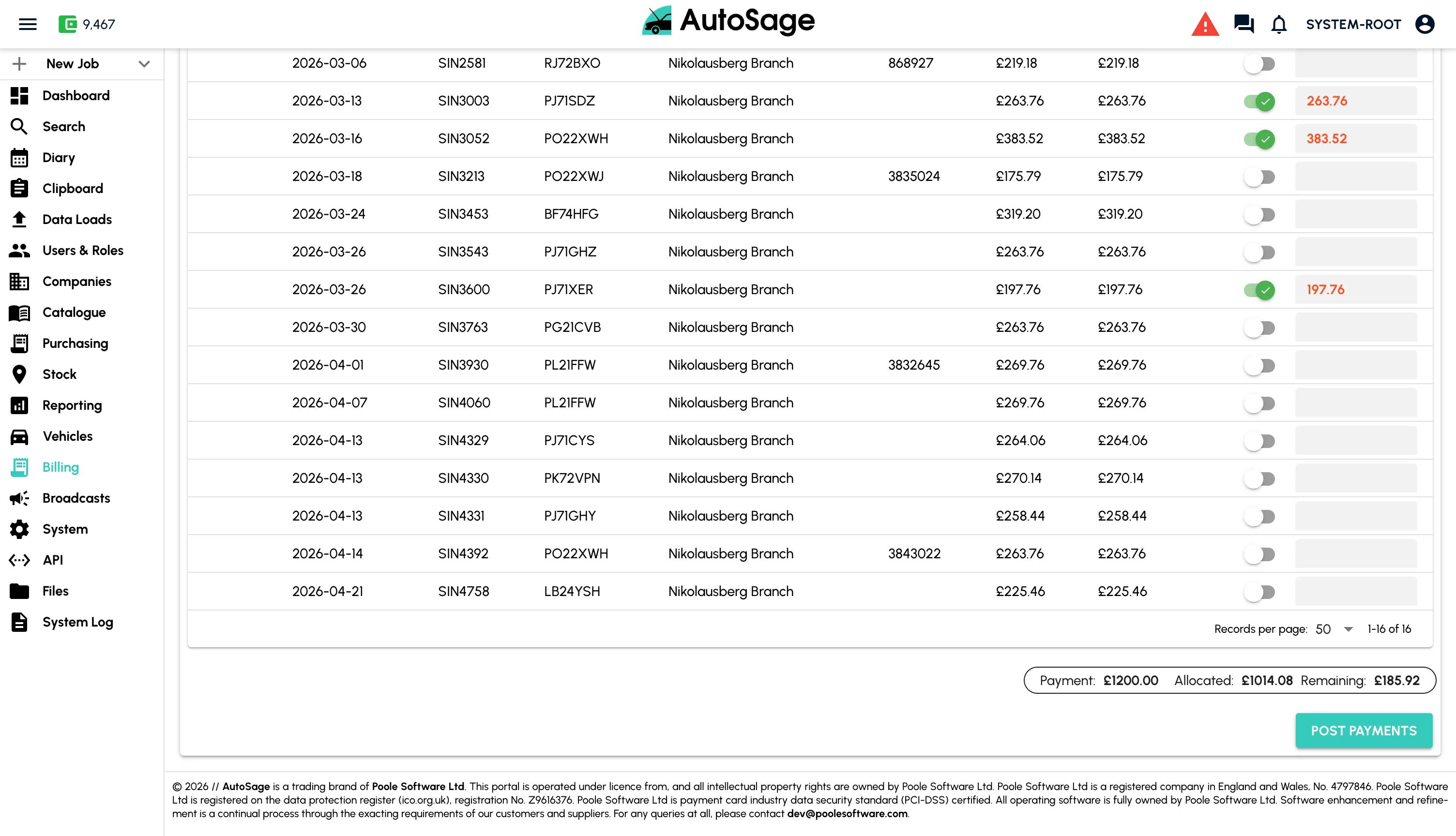
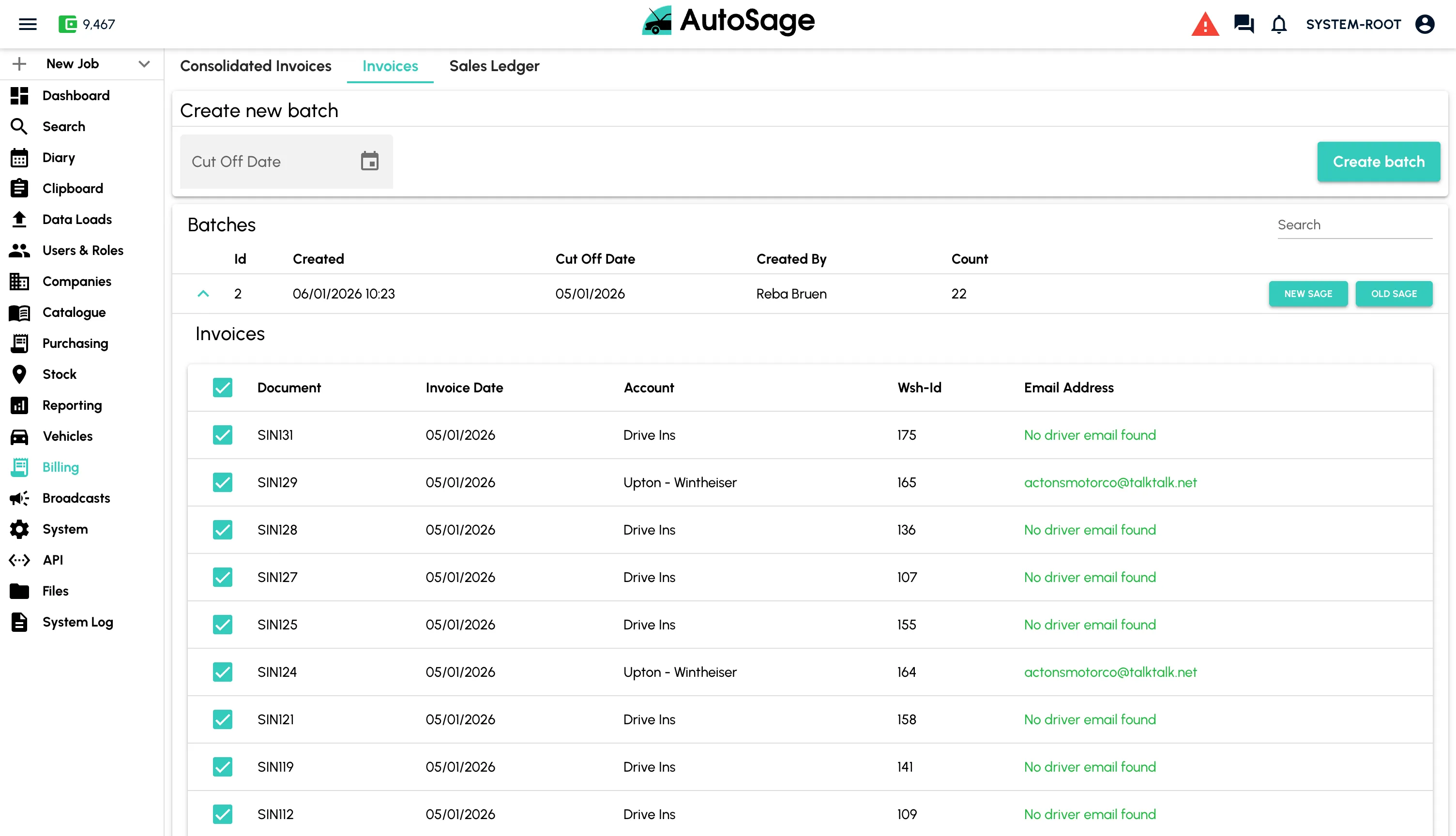
Invoice & Take Payment
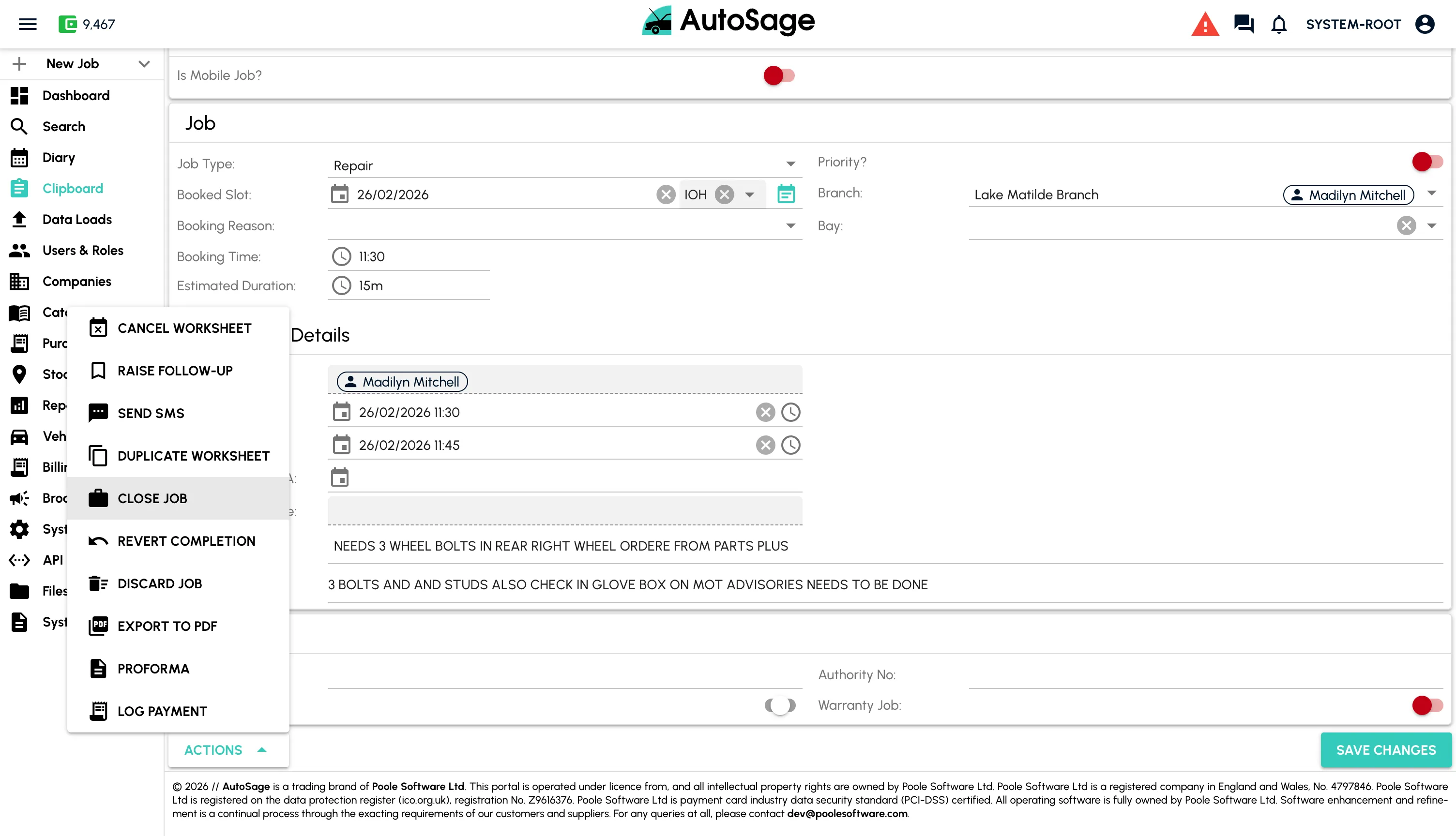
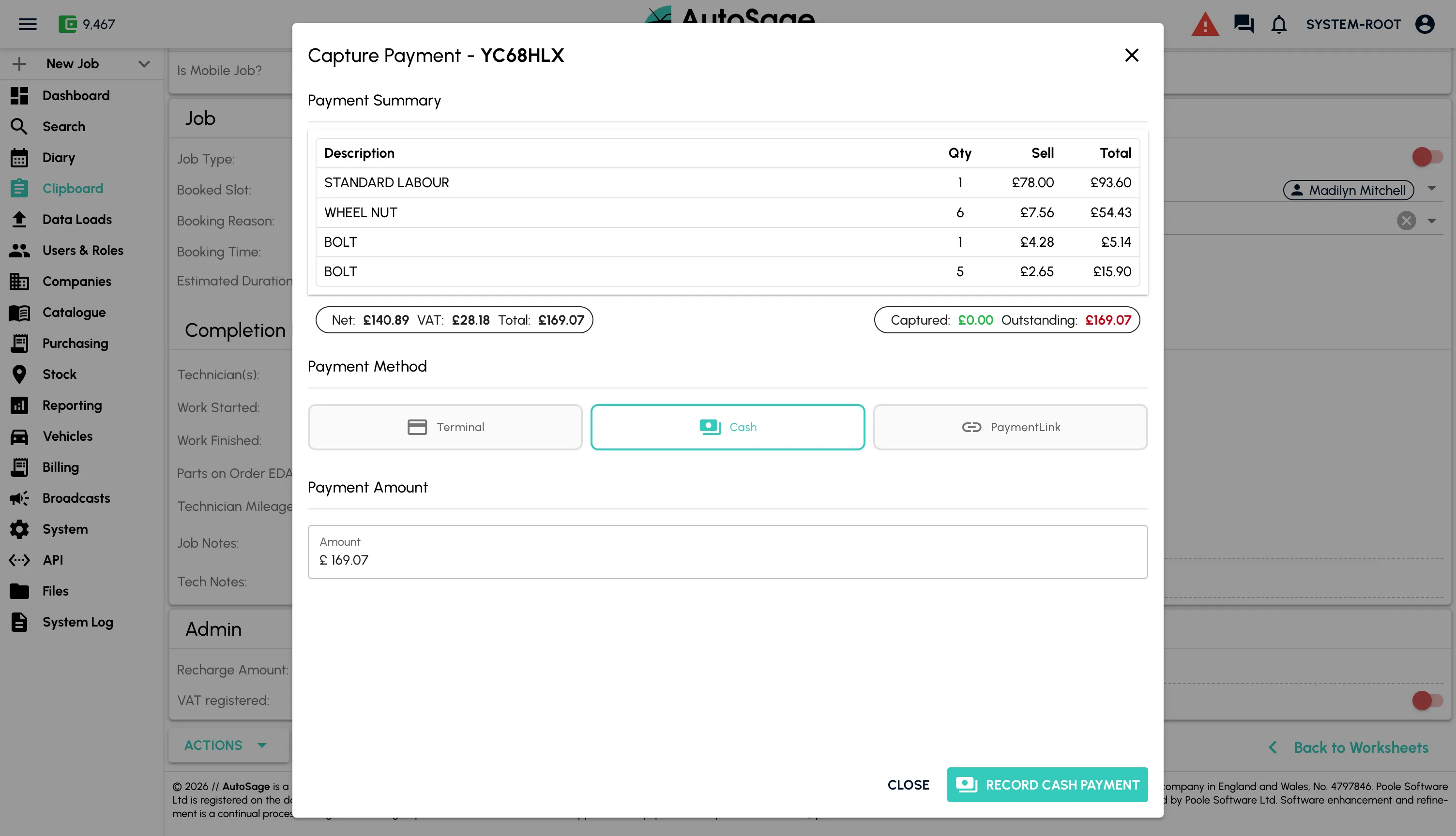
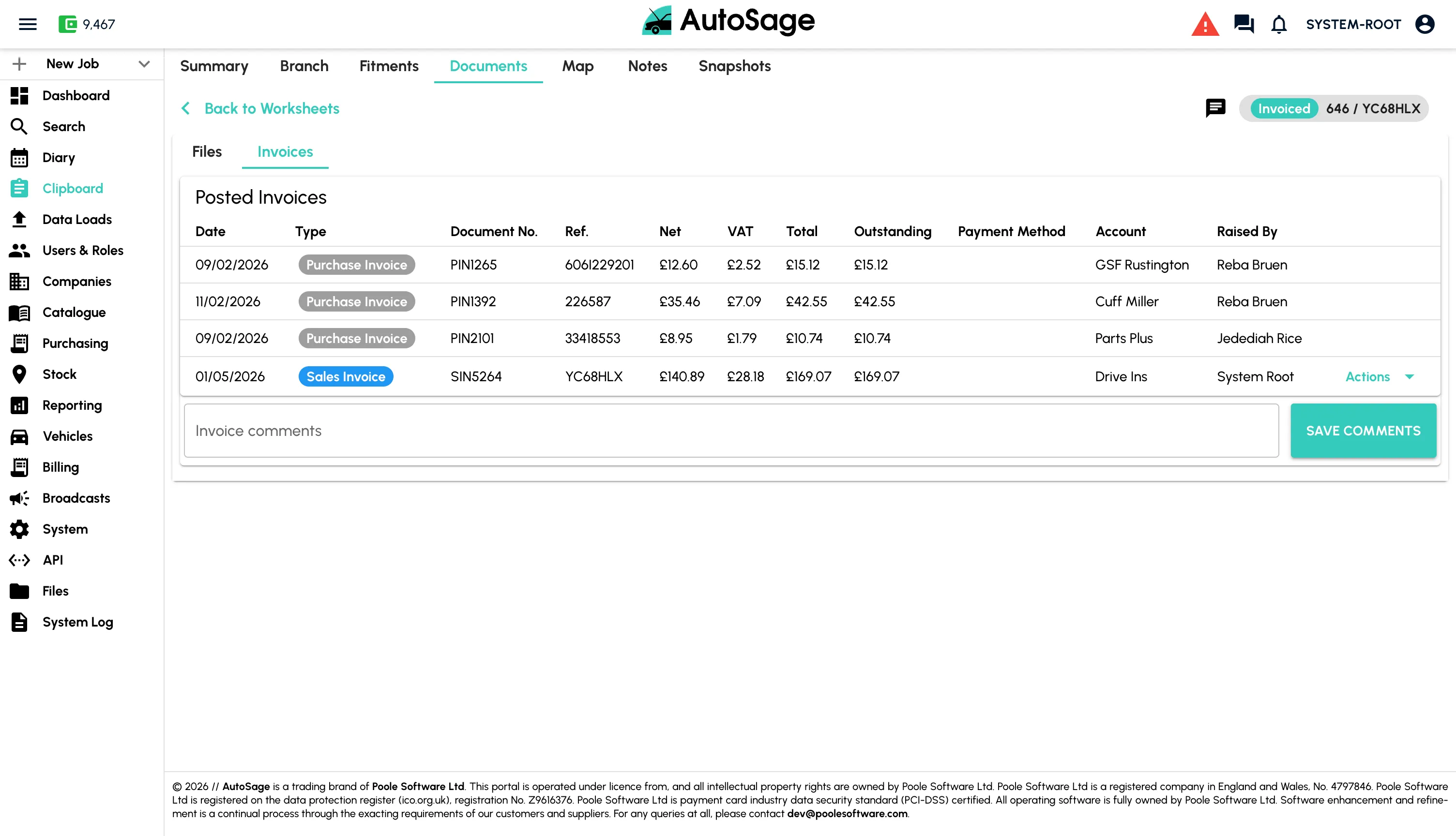
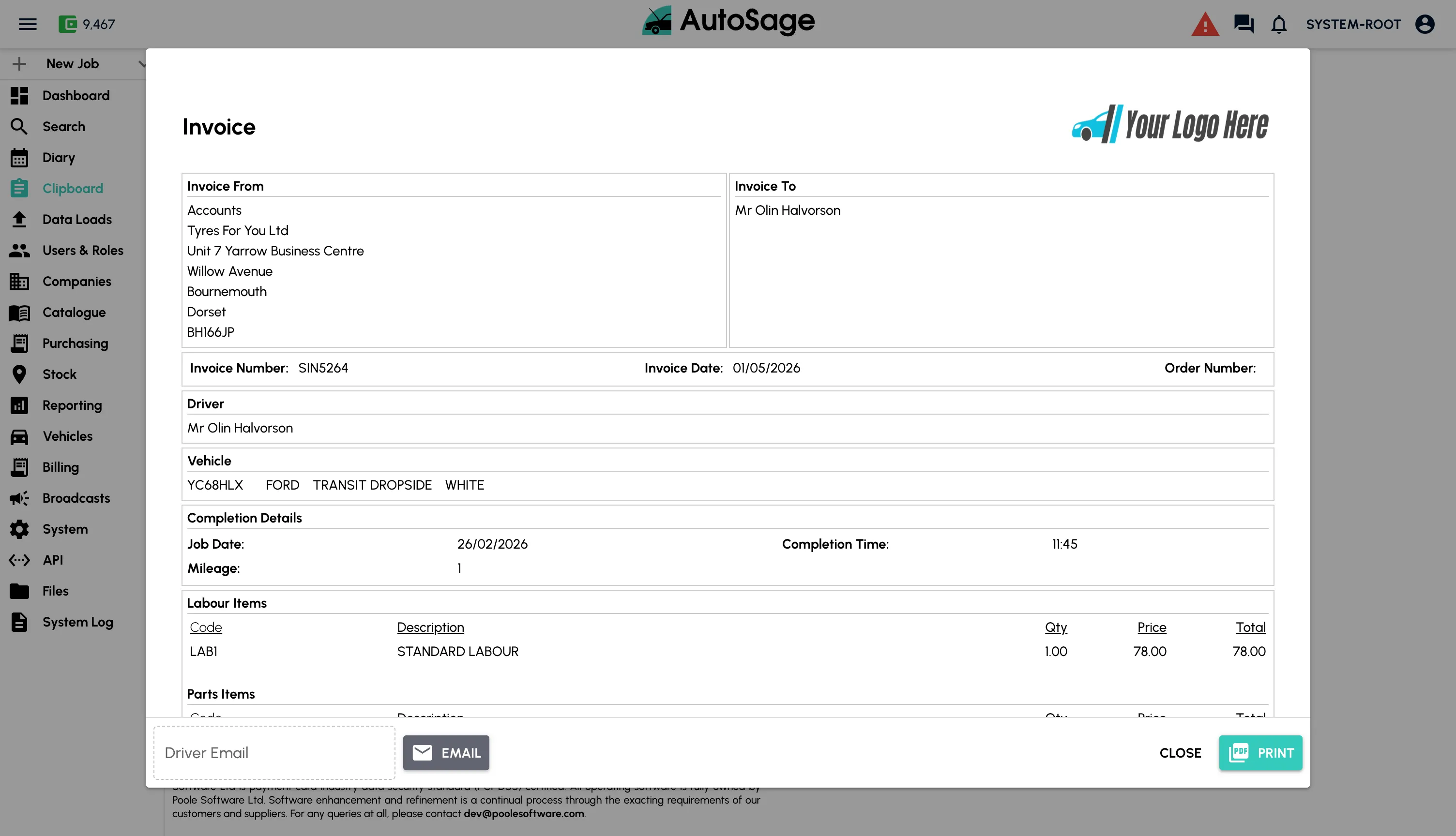
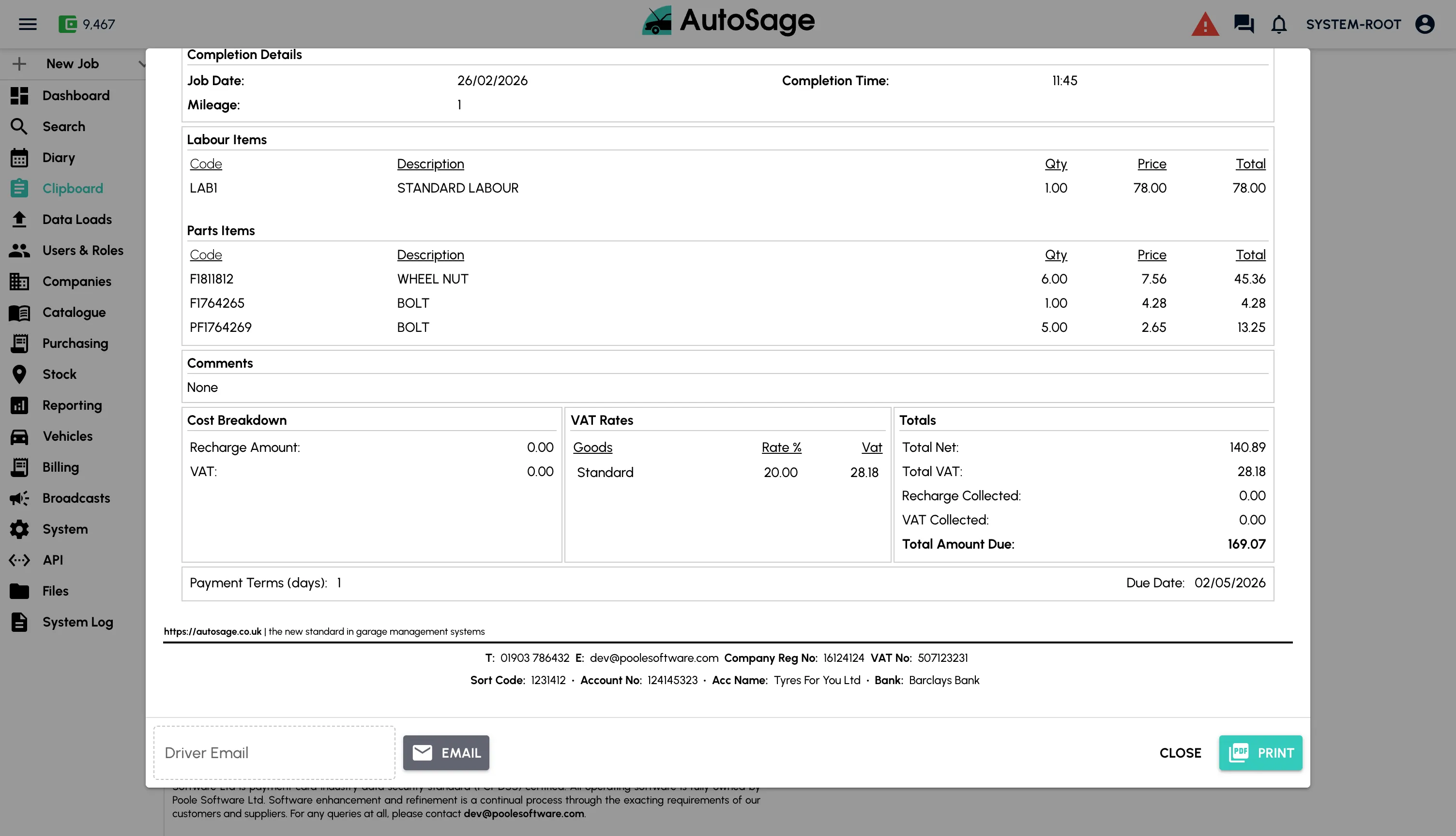
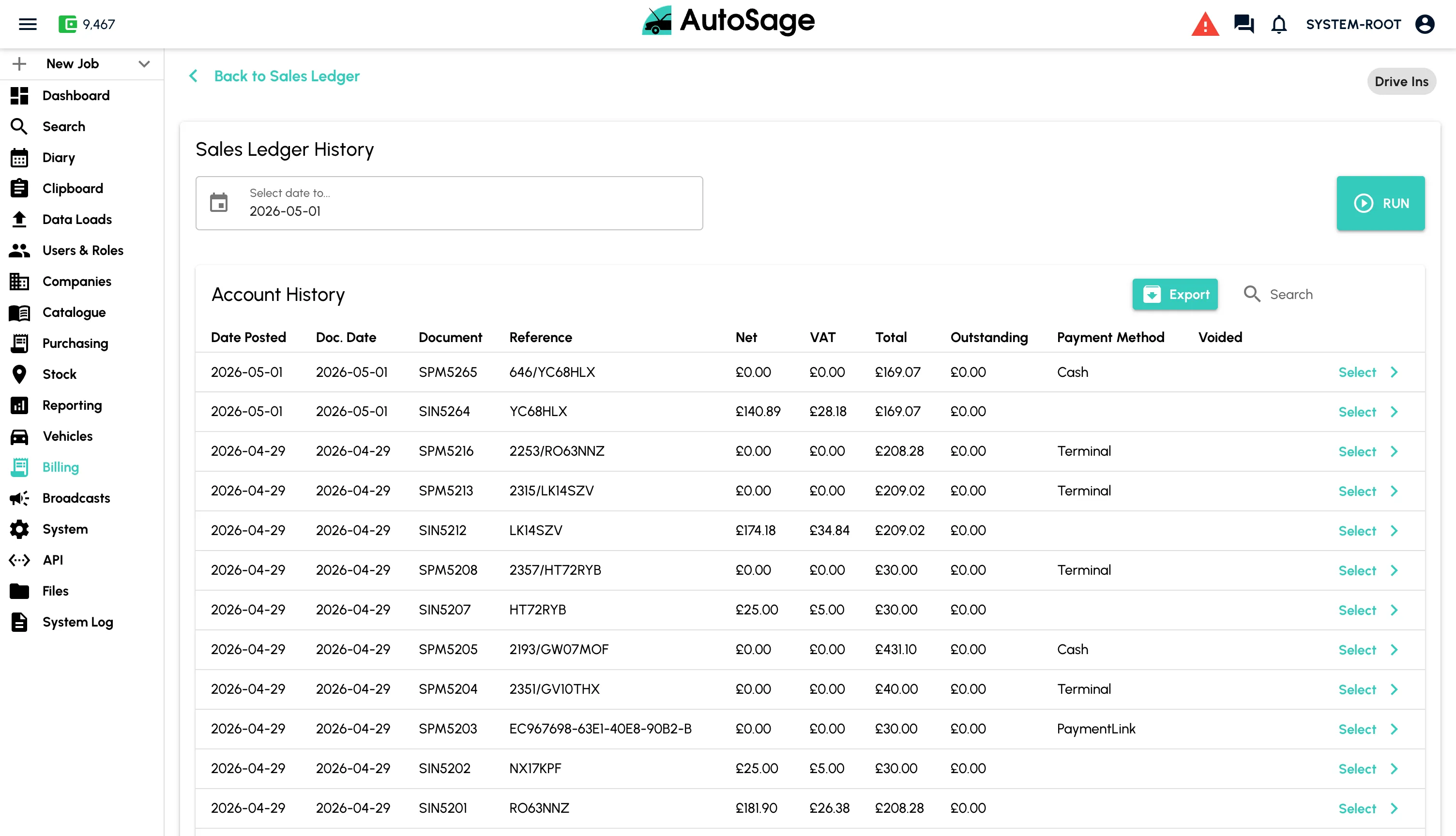
Convert the completed job into an invoice, take payment any way the customer wants, and post straight into your accounts.
- Invoice generated automatically from the completed job
- Dojo integration to take card payments at the terminal
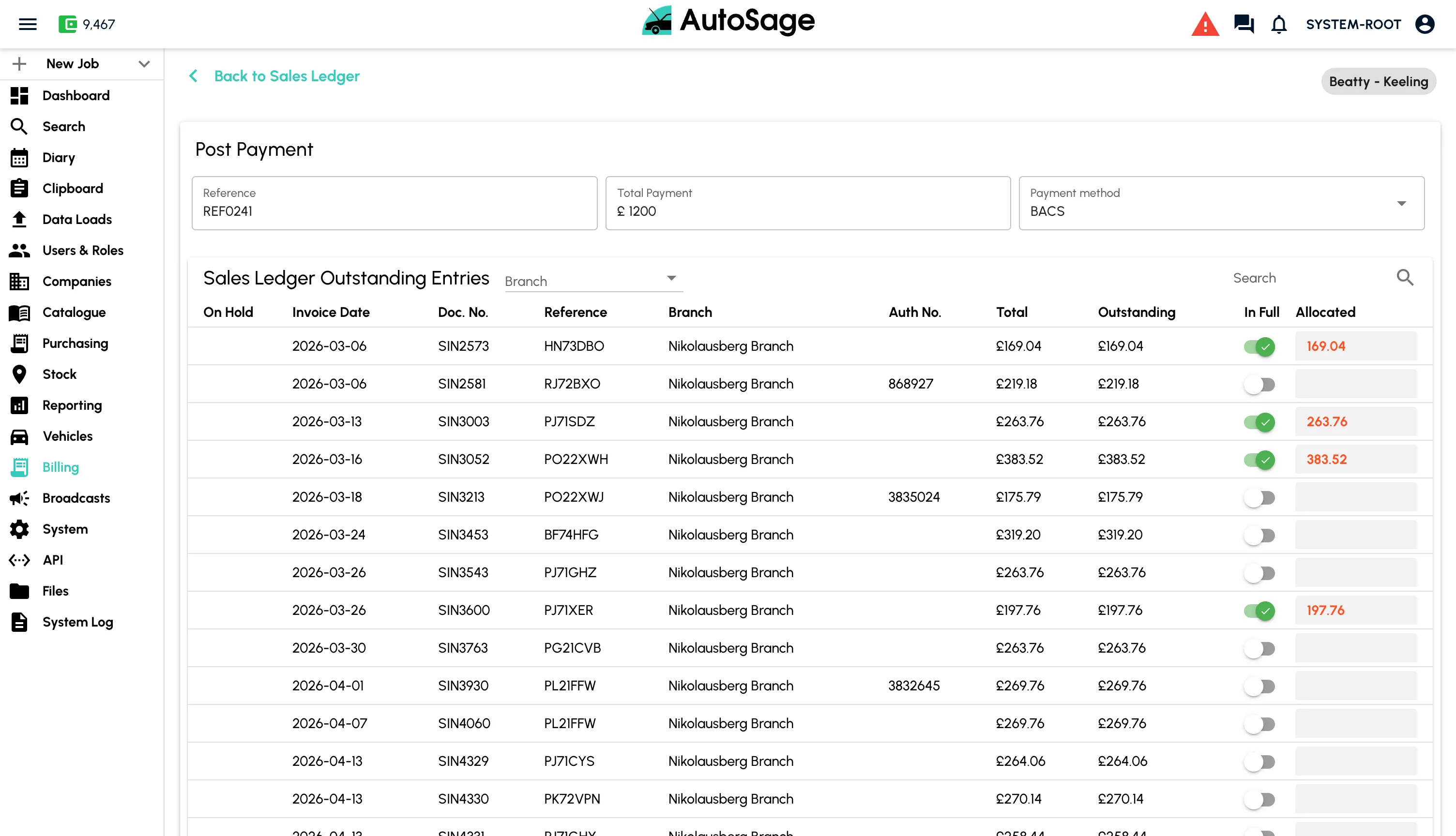
- Accept cash, BACS, or send a payment link by email or SMS
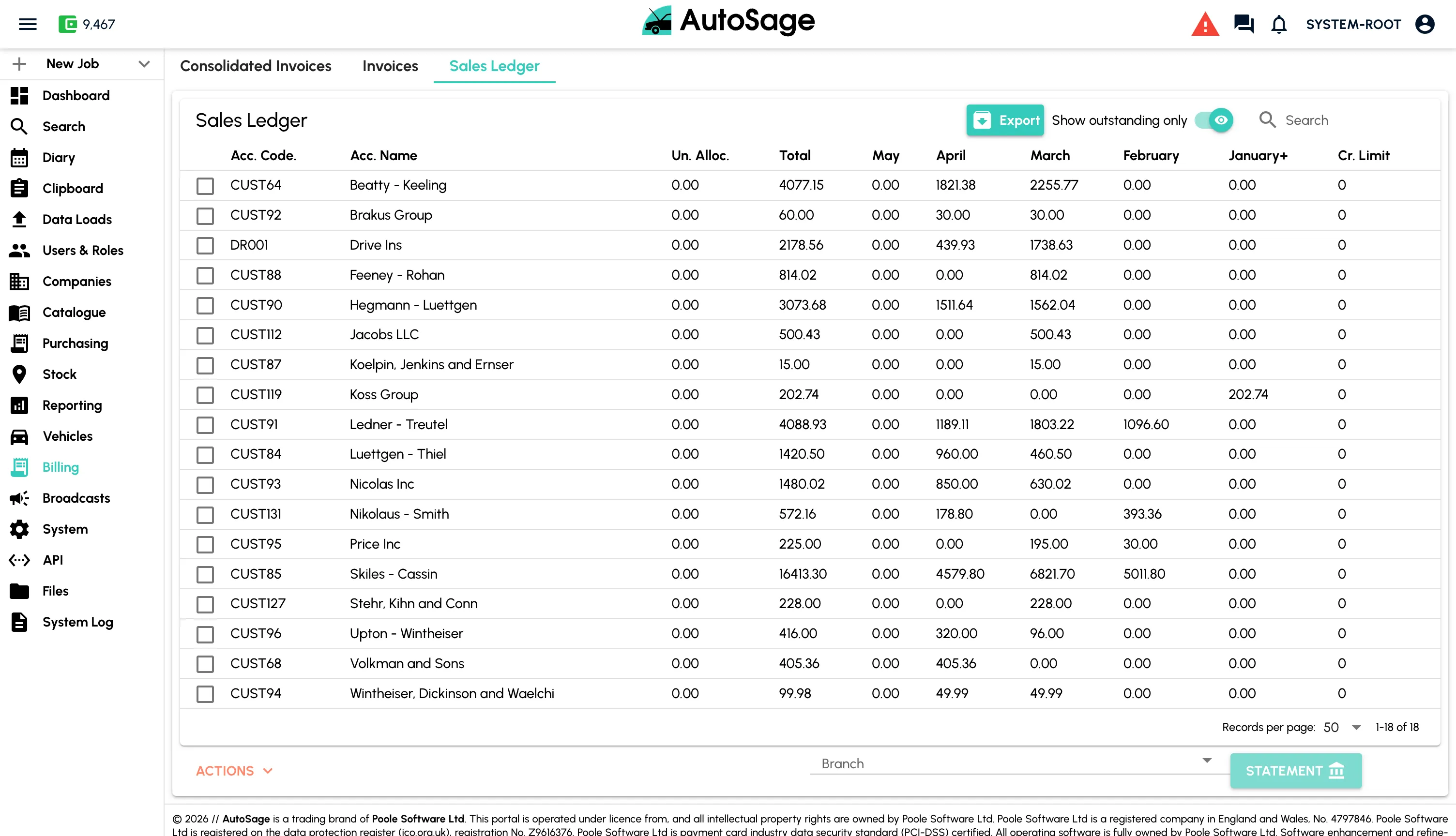
- Consolidated billing for trade and fleet customers
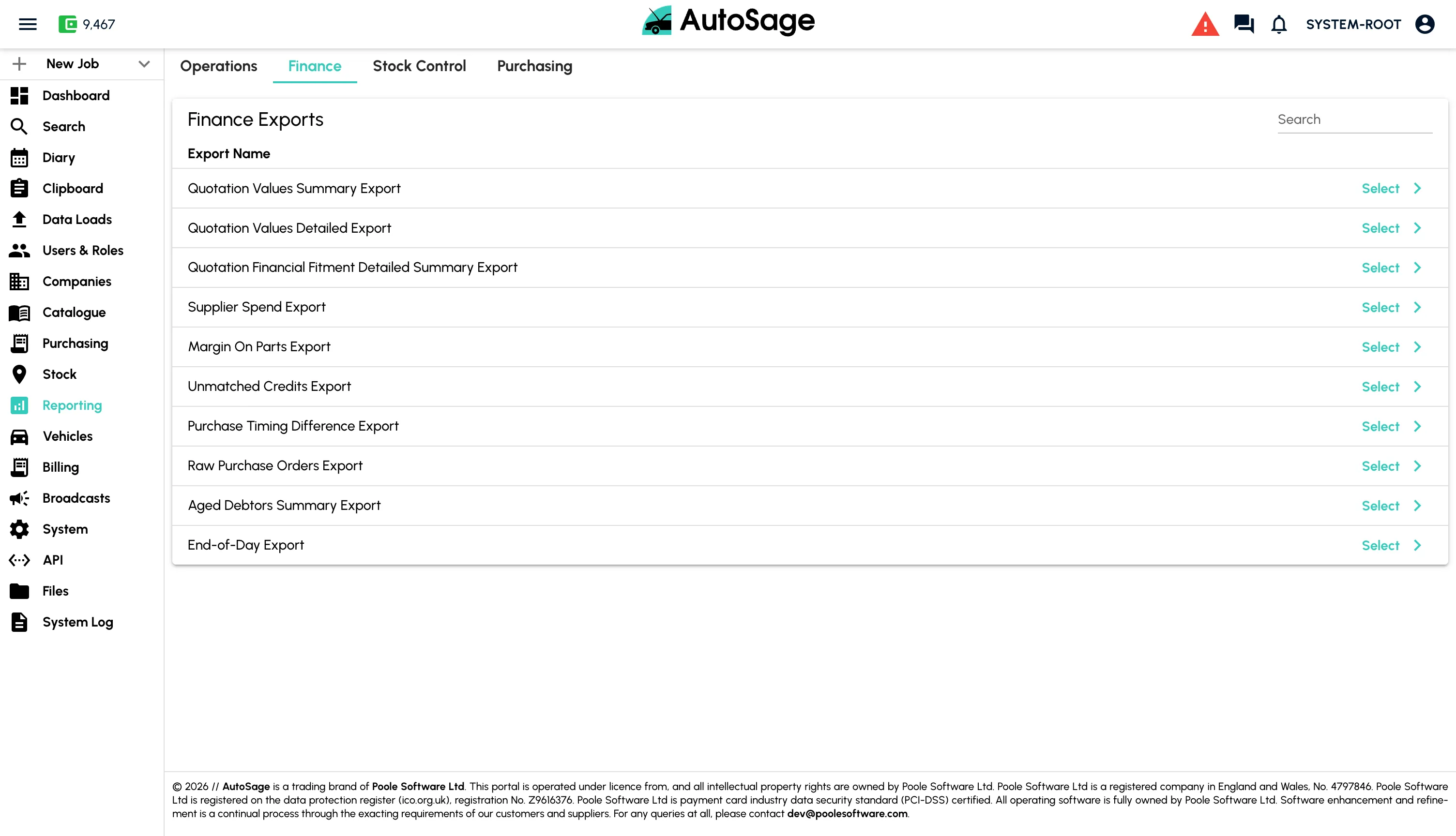
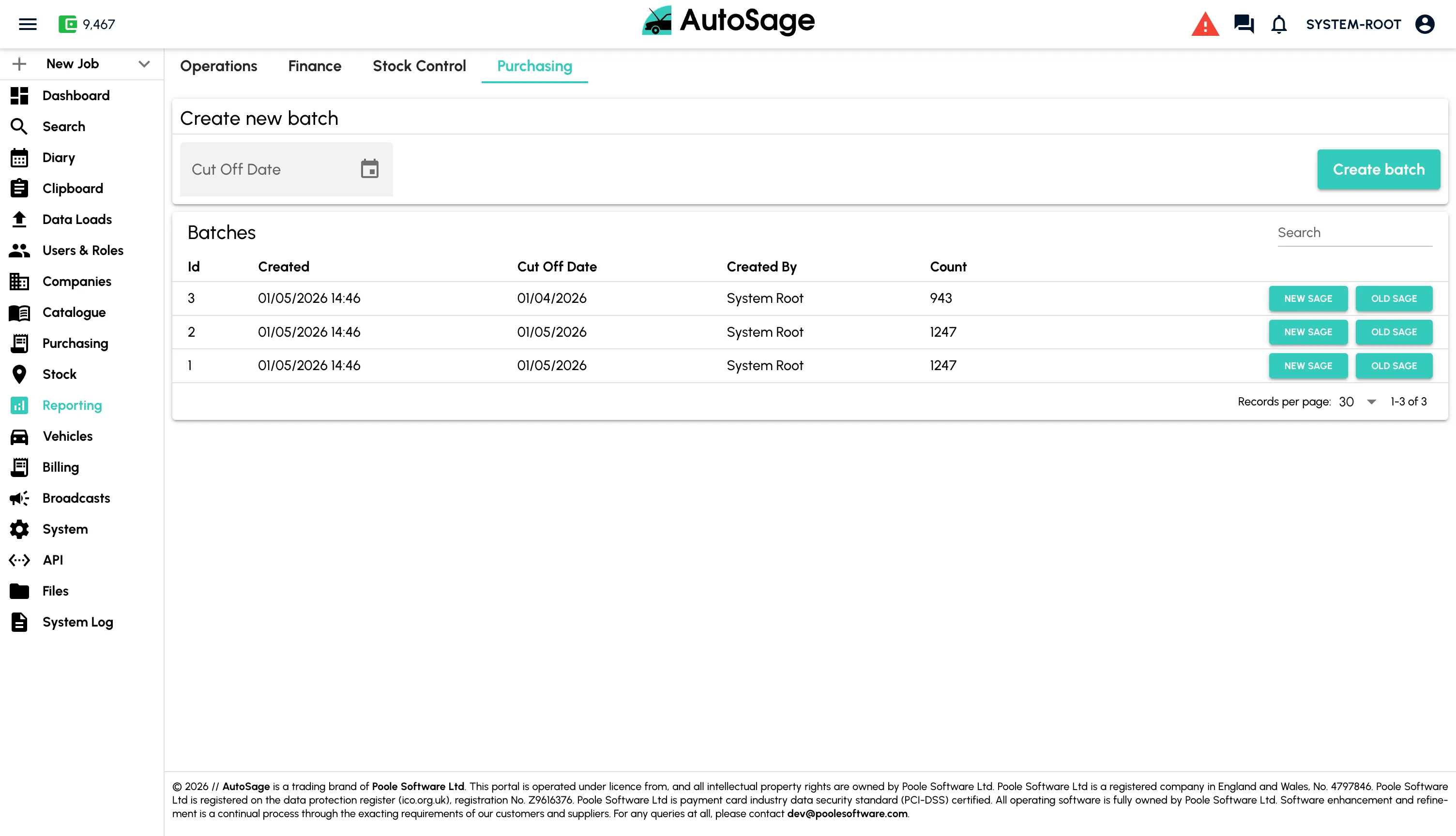
- File-based export to Sage, Xero and other accounting packages
Reporting & Insights
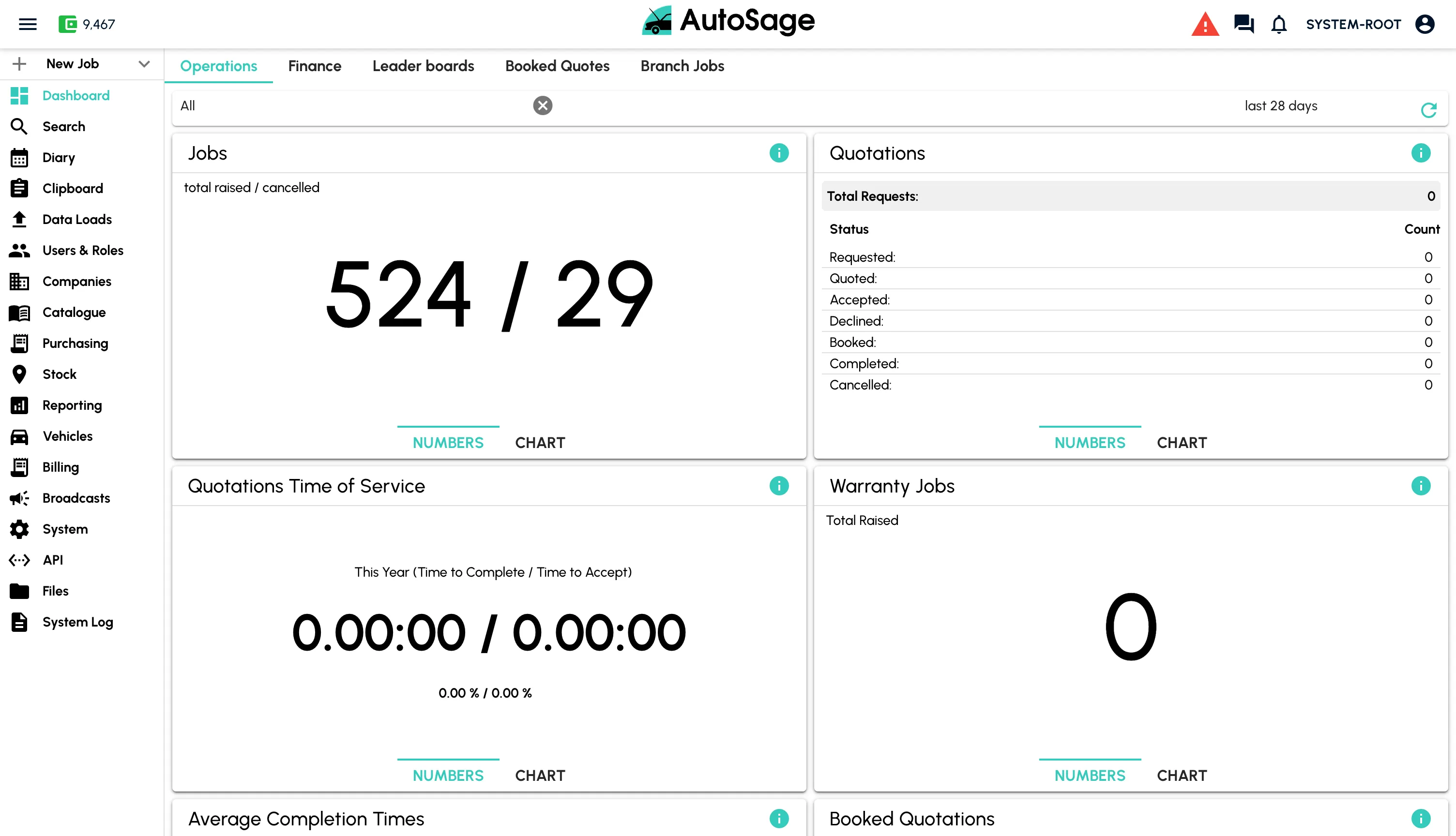
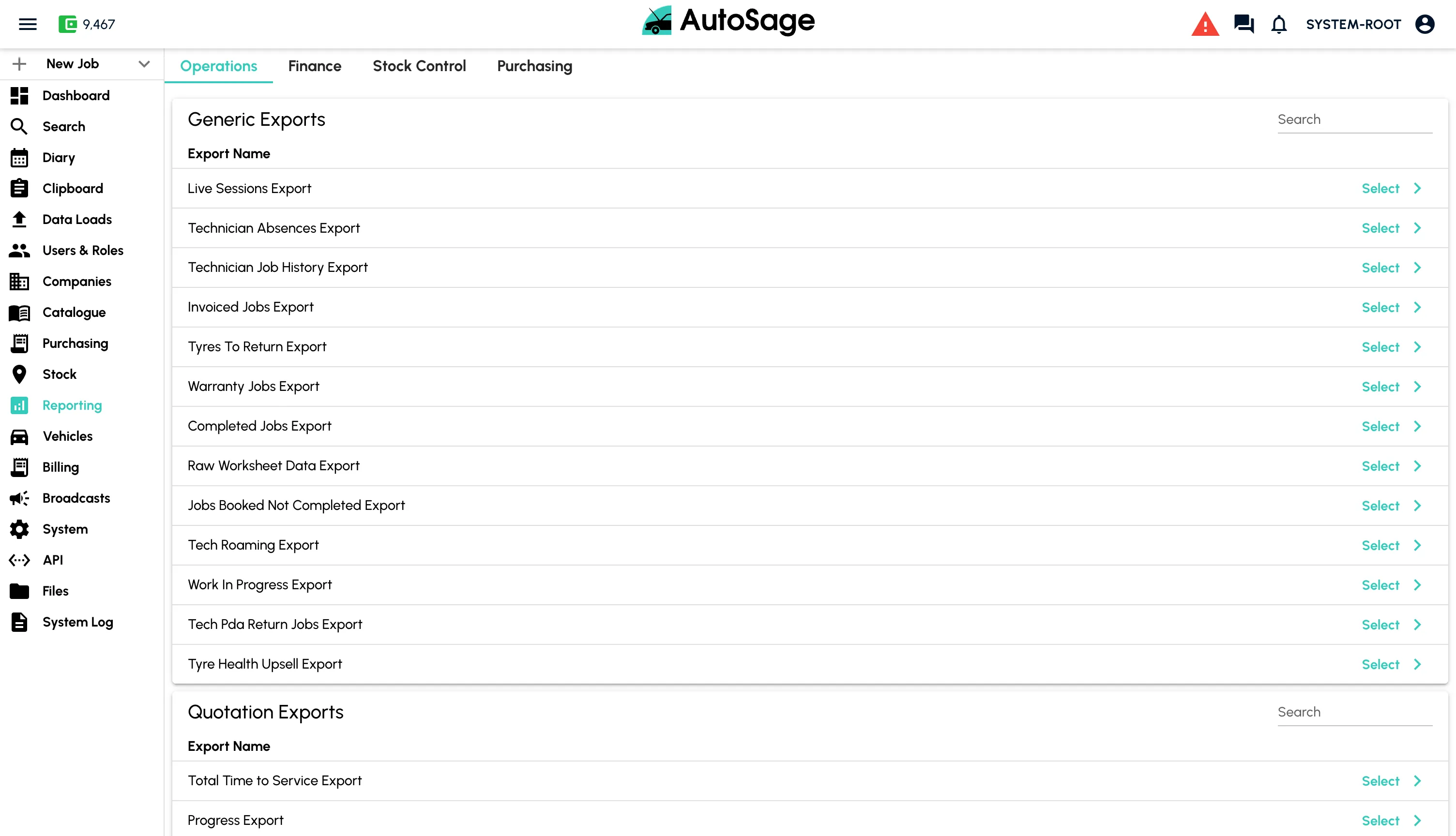
Once the job is done, the data is yours. Track every metric that matters across branches, technicians and customers.
- Real-time KPI dashboards for revenue, throughput and margin
- Technician utilisation and productivity by branch
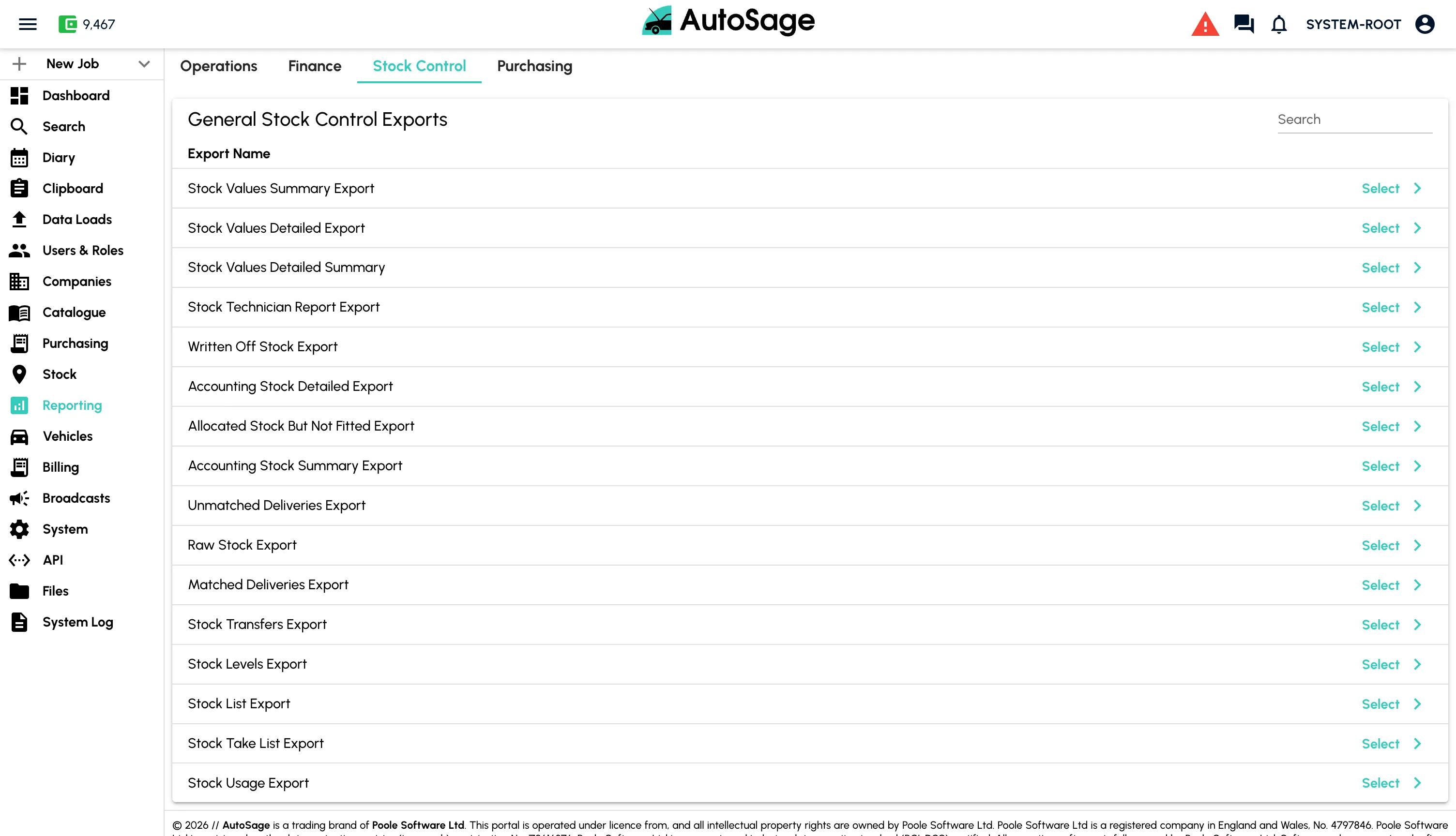
- Stock valuation, shrinkage and aged debt reports
- Excel export and custom report builder
- Schedule reports to land in the inbox automatically
Want a demo?
Get in touch with our team to see how AutoSage can streamline your operations.
Book a demo